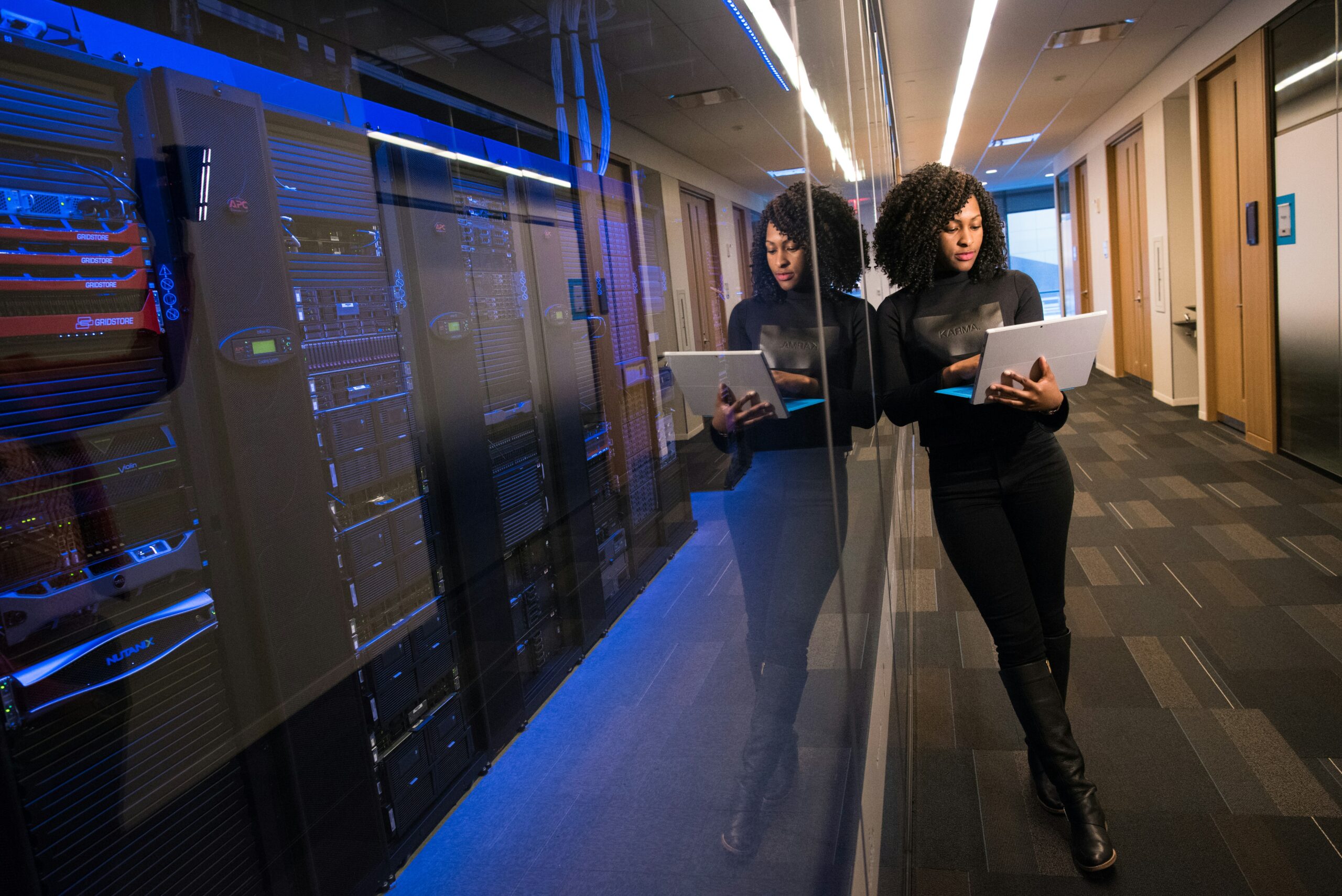
Your cybersecurity lab
Virtual machines, networks and security tools: set up a lab at home to learn and experiment without risk.
Learning by experimenting
The best way to learn cybersecurity is to practise in a safe environment. Virtualization lets you create several virtual computers on your own machine.
This advanced class guides you in building your lab, understanding networks and discovering the tools professionals use, ethically and legally.
- Computer enthusiasts
- Networking or cybersecurity students
- People changing careers toward IT

From virtual to real
Virtual machines
Create, configure and isolate virtual computers.
Networks
IP addresses, subnets, firewalls and segmentation.
Security tools
Discover the analysis tools used by the pros.
Best practices
Hardening, backups and monitoring.
Hypervisor: type 2 or type 1?
A virtual machine is a computer simulated by software called a hypervisor. Compare the two ways to install it.
- Each virtual machine has its own system, files and network.
- They share the processor and memory: plan at least 16 GB of memory for a comfortable lab.
- Virtualization must be enabled in the UEFI (Intel VT-x or AMD-V).
Projects that you build in the lab
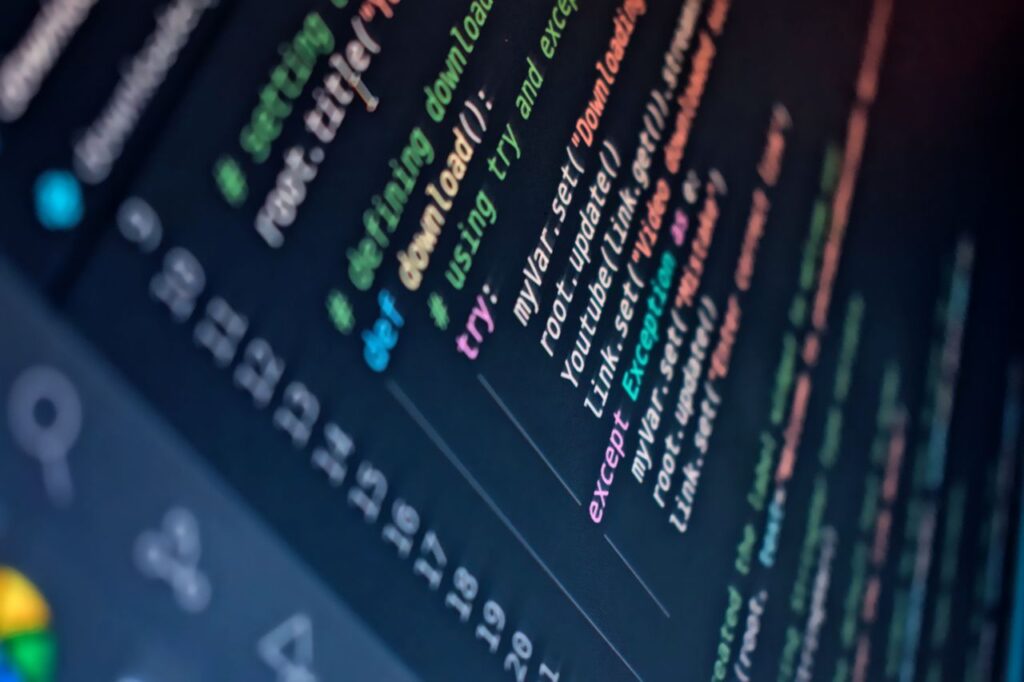
Automating Windows with PowerShell
We discover PowerShell, the go-to tool of Windows administrators and security specialists.
What we learn: Navigating, managing files and access permissions.

Building an isolated virtual network
We create several virtual machines that communicate with each other, completely separate from your home network.
What we learn: IP addressing, subnets and firewalls.

Preparing for school or a new career
For those aiming for training in networking or cybersecurity, a home lab is a major asset.
What we learn: A working method and a portfolio of concrete projects.
Ethical or illegal?
In cybersecurity, the line is clear. Do you know where it is?
VirtualBox, CTFs, isolation: the essentials
From zero to your first lab
Level and goals
Tell us about your level and your goals.
Topics and tools
We choose the topics and tools.
We build
Setting up your lab, step by step.
We practise
Hands-on exercises and challenges.
Why we practise in a virtual machine
A snapshot is a complete picture of the virtual machine. You can break everything… and roll back in seconds.
- The virtual machine runs normally. Around it, your real computer: it lives in a simple file, like a bubble.
- We take a snapshot: the complete state is frozen (disk, settings, and even memory if we want).
- We do the exercise: we open a test file (like EICAR, harmless, which antivirus tools recognize) or delete a system folder. The VM crashes… but your computer is fine.
- We restore the snapshot: within seconds, the VM is back exactly as it was before the exercise.
- You can start over as many times as you like. That’s why we learn cybersecurity in a virtual lab, never on the family computer.
Before you build your lab
What level do you need?
You need to be comfortable with a computer. No programming or networking experience is needed to start.
Is my computer powerful enough?
Ideally, 16 GB of RAM and an SSD. We check your machine together before starting.
Where are the classes given?
At your home in Granby and the surrounding region, or online, whichever suits you best.
Does this class lead to a certification?
No, but it prepares you very well for studies in networking and cybersecurity, and for recognized industry certifications.
Do I need to know how to program?
No. A few basic notions come naturally along the way.
Book your advanced class
Tell us where you’re at and what you want to explore: we’ll prepare a path that fits you.
Ready for your lab?
Check what applies to you.
Ready for the field?
4 quick questions. You see the right answer right away.