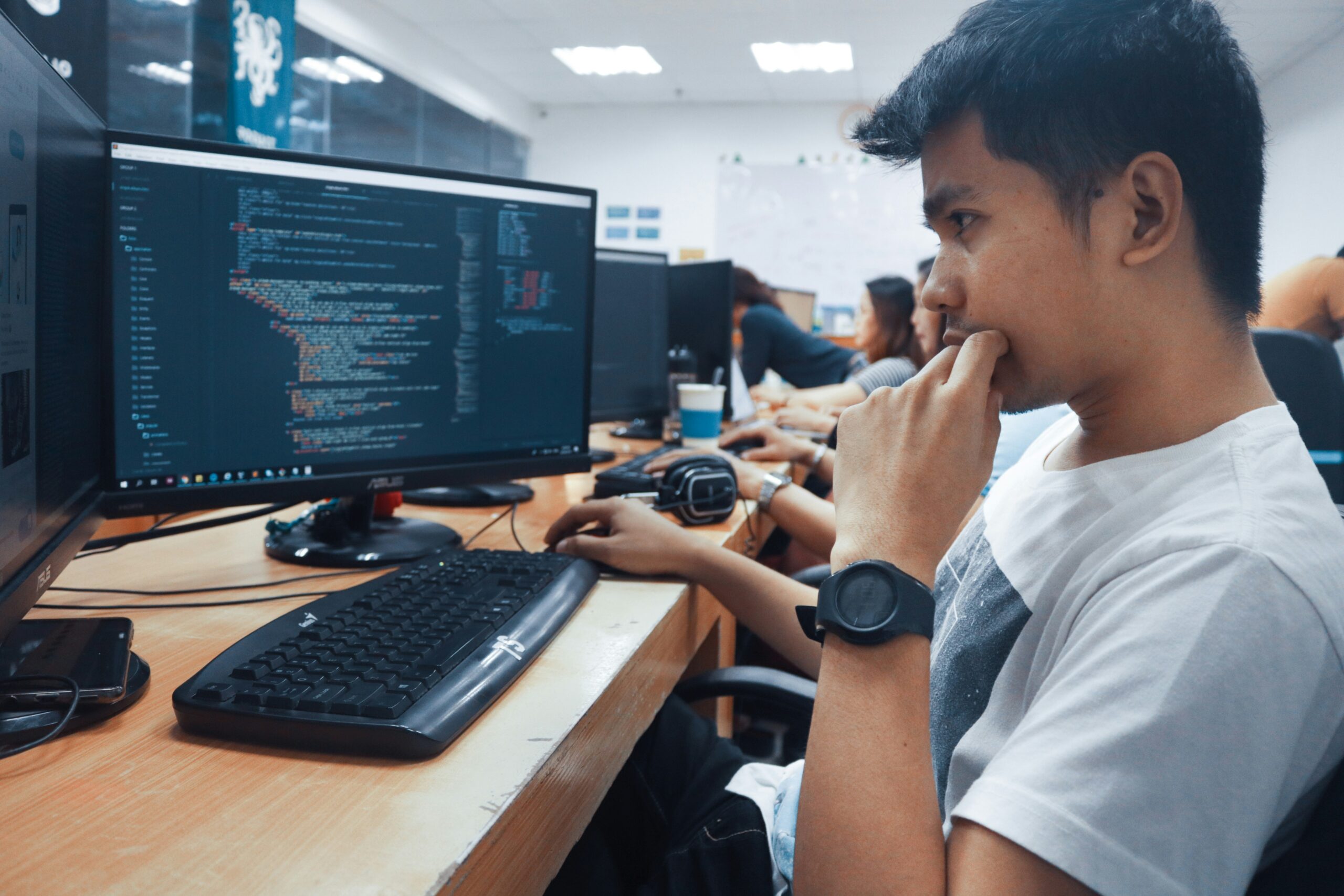
Create their own games and apps
Going from player to creator: programming builds logic, creativity and perseverance, while staying fun.
Scratch, Python, C#: good to know
From Scratch to Python, all the way to C#
Does your child spend hours on video games? What if they learned to create their own? Classes start with visual blocks for the youngest and progress to real code for teens. For those who want to go further, an advanced C# track (with Unity) leads to creating real video games.
Each class leads to a small, concrete project your child can proudly show off: a game, an animation or a useful program.
- Curious kids from age 9
- Teens who want to go further, up to advanced C#
- Young people considering a career in IT
Put the steps in order
A robot has to make a sandwich. Which action comes first? That’s programming!
Coding is creating
Scratch
Block-based programming to understand logic while having fun.
Python
A real language, used everywhere, ideal for getting started with code.
C# and Unity, advanced track
For teens: create real video games, from the character to the score.
Logic and problem-solving
Break a problem down and find solutions, step by step.
Loops and conditions, for real
The same program in blocks (like in Scratch) and in Python. Run it step by step and watch each line do its job.
# start: the turtle faces upfor lap in range(1, 5): forward(60) turn(90)say("A square!")
Press “Step through”: the line being run lights up, in the blocks and in the Python code.
- The program starts. The turtle is at the starting point, facing up.
- We enter the loop: this is lap 1 of 4.
- Move 60 steps: the turtle draws a line.
- Turn 90°: it changes direction.
- End of the lap: the loop goes back up. 2nd lap!
- The same instruction, repeated…
- … and turn 90° again.
- End of the lap: the loop goes back up. 3rd lap!
- The same instruction, repeated…
- … and turn 90° again.
- Last lap of the loop.
- The same instruction, repeated…
- … and turn 90° again.
- After 4 laps, the loop is done: we move on. 4 lines instead of 8: that’s the power of a loop!
# when the program startstemperature = read_sensor()if temperature > 25: say("It’s hot!")elif temperature < 0: say("Wear your toque!")else: say("Perfect for playing outside!")
Pick a temperature, then run the program step by step. Depending on the value, a different branch lights up.
- The program starts.
- The program reads the sensor: it’s {v} °C.
- Is {v} > 25? Yes! We go into this block.
- Is {v} > 25? No: we skip this block.
- The robot speaks. The other branches are ignored: only one runs.
- Is {v} < 0? Yes!
- Is {v} < 0? No: we go to the “else”.
- The robot recommends your toque!
- No condition is true: the “else” runs.
- The robot speaks.
- Done! Move the temperature slider and run it again: the program makes a different decision. That’s what a condition is.
Projects that motivate
The first game with Scratch
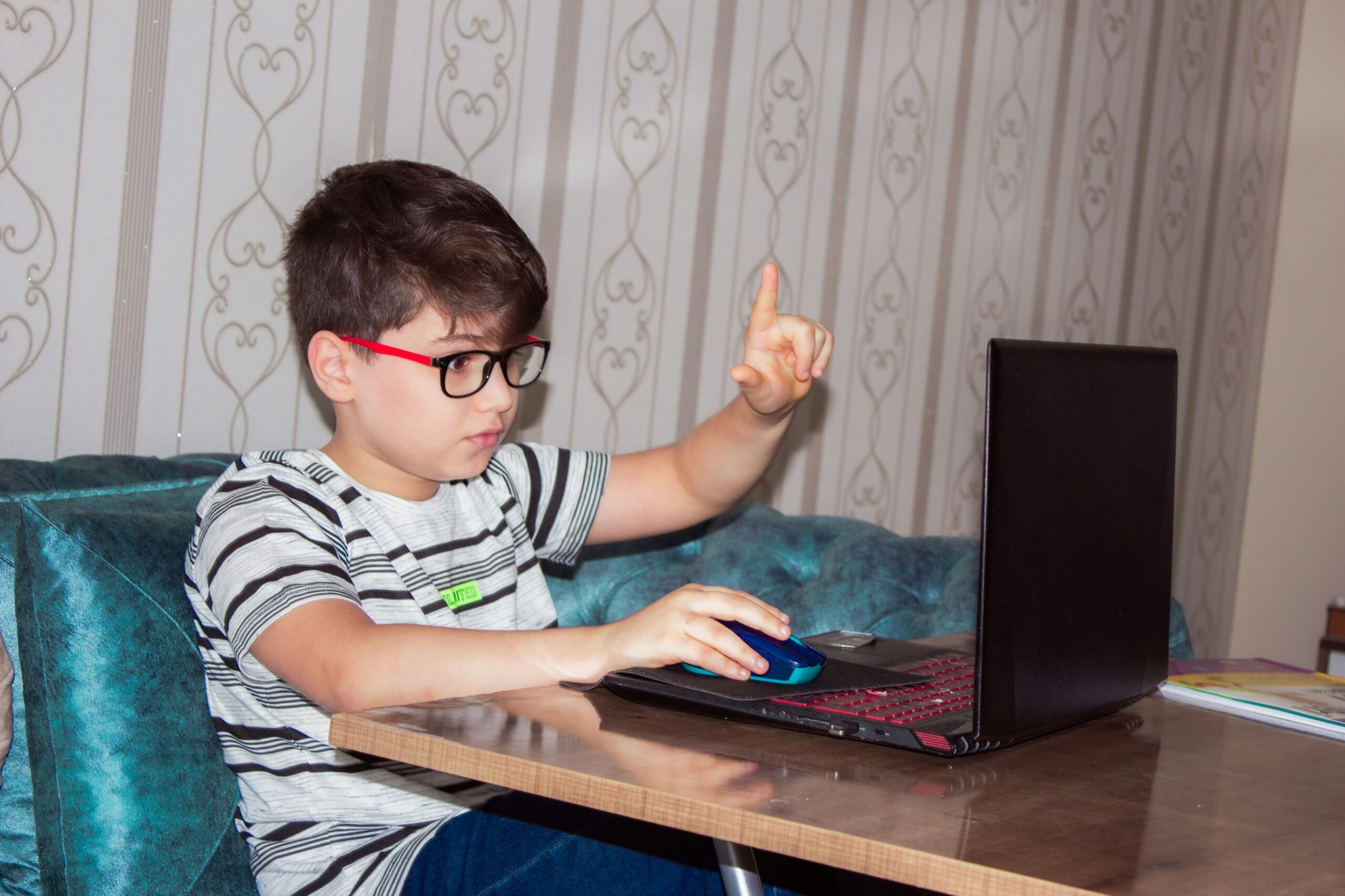
A 9-year-old created a game where a cat catches fish, with a score and levels. He proudly showed it to the whole family.
What we learn: Loops, conditions and variables, while having fun.
A real program in Python
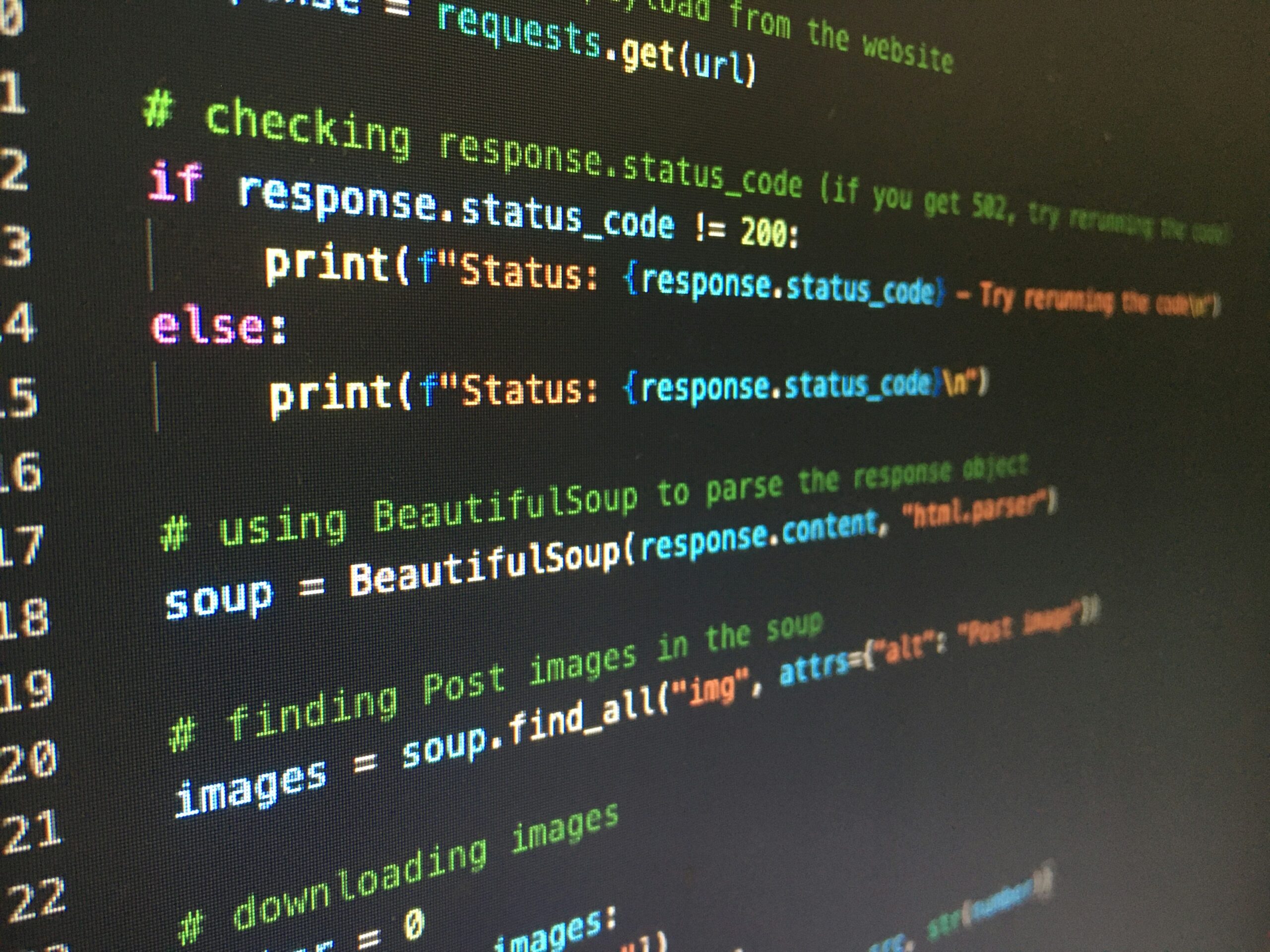
A teenage girl programmed a quiz game about her favourite movies, with a final score. Her first “real” code.
What we learn: Writing code, fixing errors and thinking like a programmer.
Toward video game creation
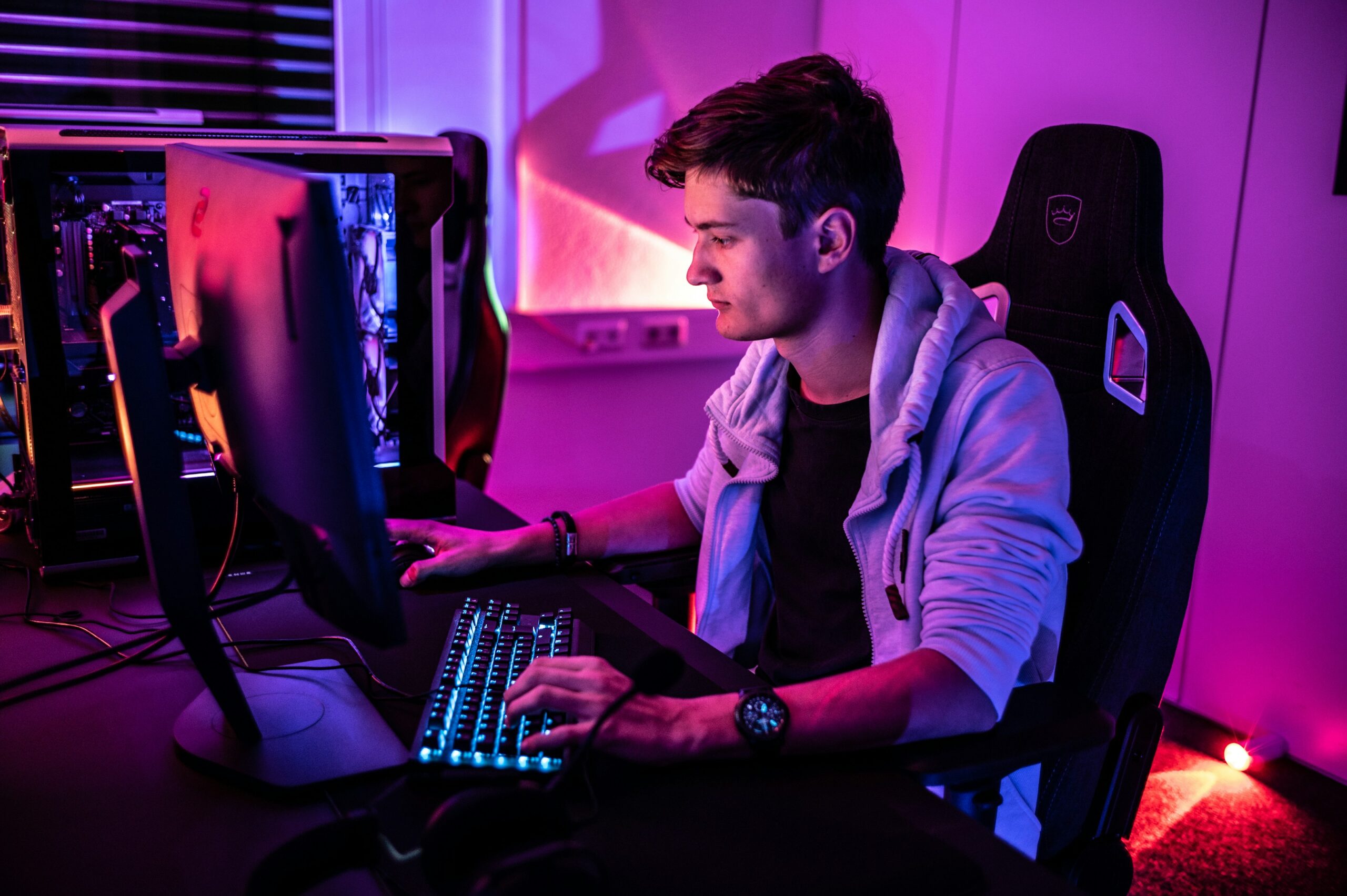
A video game fan discovers how games are built and creates a small playable prototype in C#, with Unity.
What we learn: C#, game logic and the tools used by creators.
A video game is a loop 60 times per second
Read the keys, update, draw… and start again. Slow down time to see each step of the game engine.
From idea to final project
Getting acquainted
Tell us your child’s age and interests.
Language and projects
Scratch, Python or C#: we choose the language and the projects.
Let’s code!
Private class, at home or online.
Final project
Your child proudly presents their creation.
Think like a programmer
Is your child ready to code?
Check what describes your child.
4 quick questions. You see the right answer right away.
Questions parents ask
From what age?
From about age 9 with Scratch. Teens can start directly with Python.
What comes after Scratch and Python?
There is an advanced track: C#, with Unity, to create real video games. It is meant for teenagers and for anyone who wants to go further than Scratch and Python.
Do you need a powerful computer?
No. An ordinary computer with Internet access is enough. The tools used are free.
Where are the classes given?
At your home in Granby and the surrounding region, or online, whichever suits you best.
Does my child need to be good at math?
No. Programming develops logic, but we start with no math prerequisites.
Can classes be given to two kids?
Yes, siblings or friends can take the class together. It often makes learning even more motivating.
Book a programming class
Tell us your child’s age and what they love: we’ll suggest a first project.