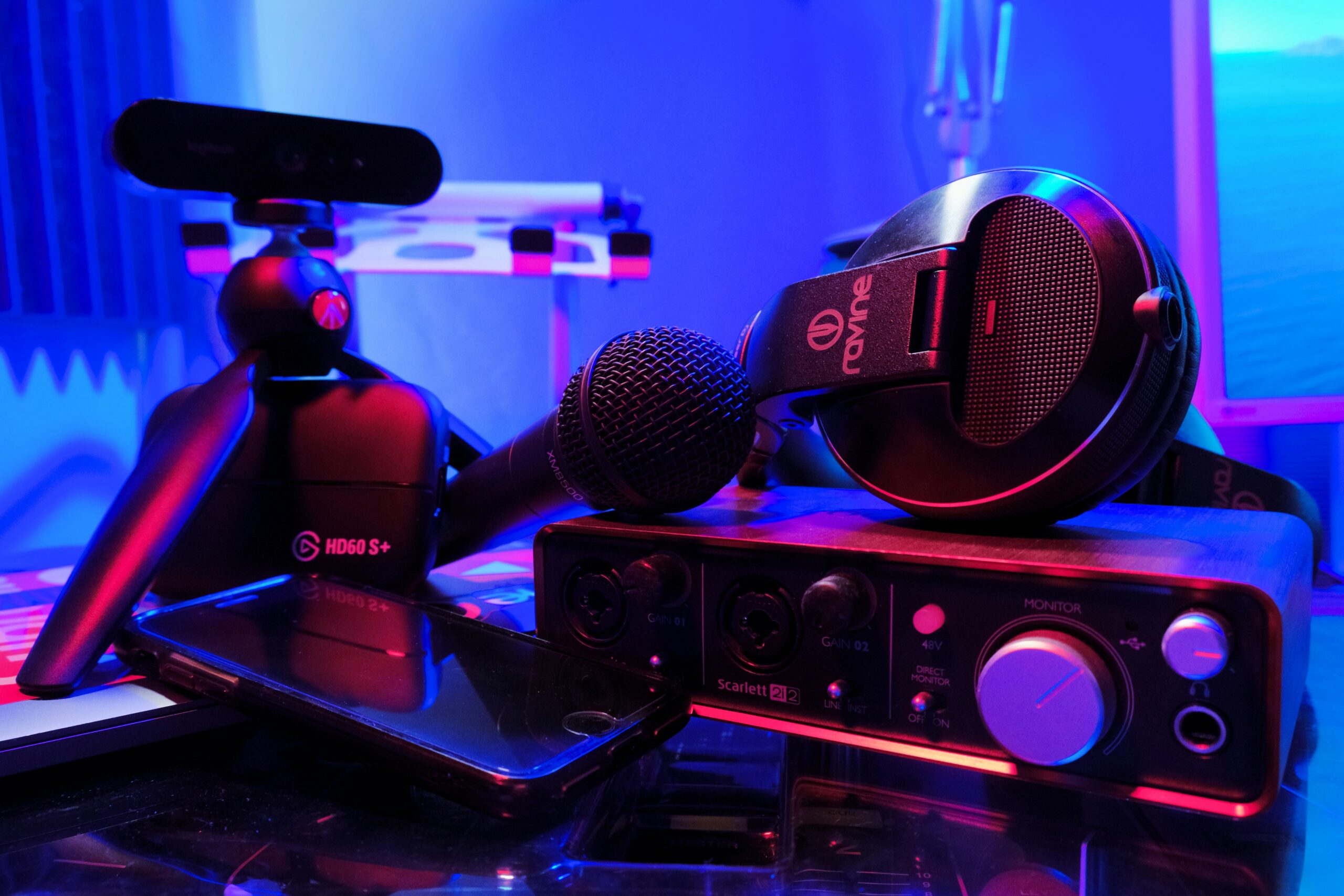
Your streaming studio, set up like a pro
Lighting, mic, camera, OBS, scenes and effects: we set up and configure your streaming studio for Twitch, YouTube or TikTok, with the right gear and the right settings.
A stream that makes a great impression
A good stream isn’t just a good game: it’s a clear picture, clean sound, good lighting and scenes that make people want to stay. Poorly configured, even the best gear gives disappointing results.
We help you choose the right gear for your budget, then set everything up: lighting, mic, camera, streaming software, scenes, alerts and effects. You launch your first live stream with confidence.
- Creators who are new to streaming
- Creators who want to improve their quality
- Gamers who want to stream their games
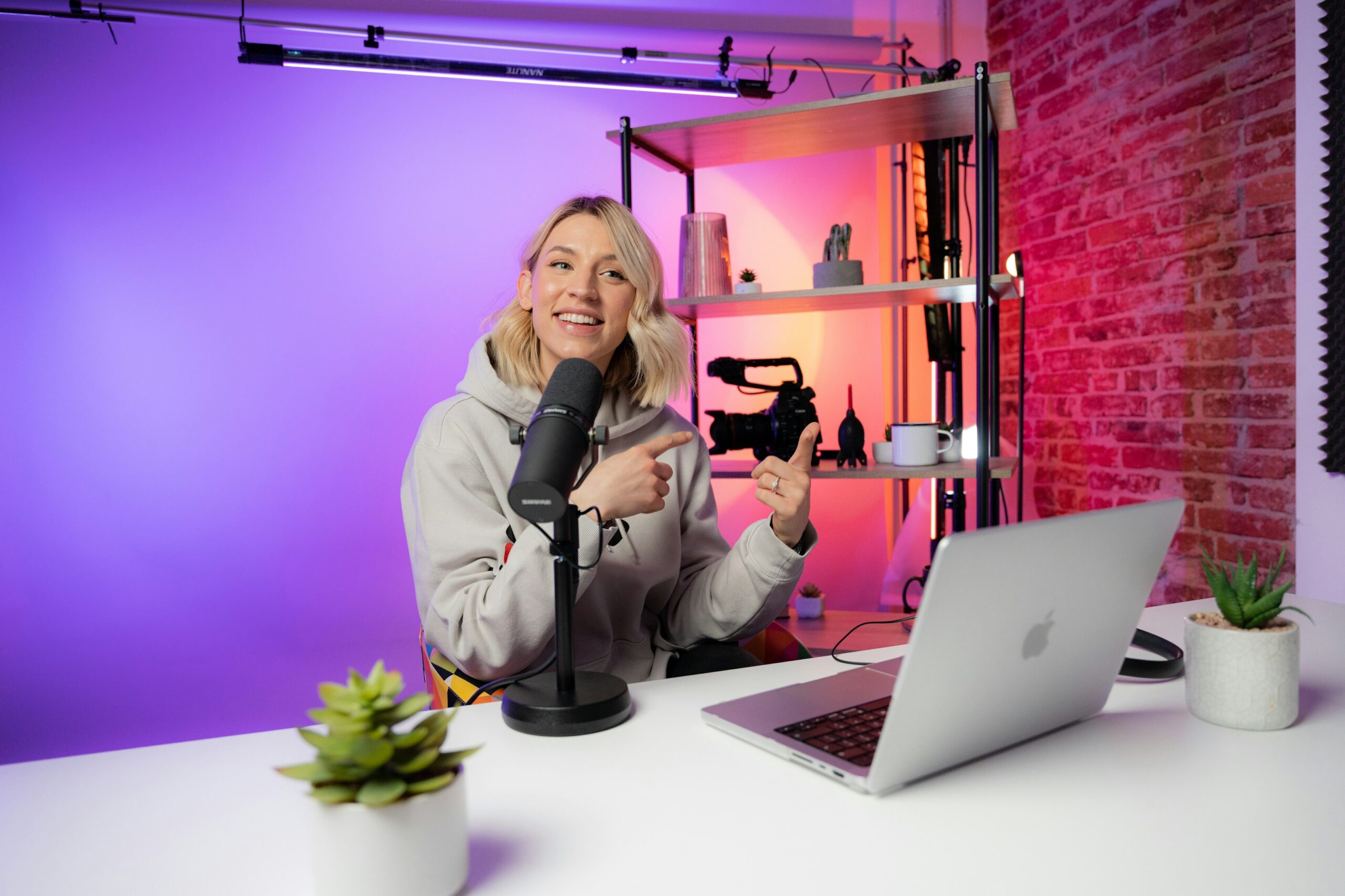
Everything you need to shine live
Lighting
Key, fill and ambient lights for a sharp, flattering picture.
Mic and audio
A good mic, noise filters, compressor and balanced levels.
OBS and scenes
Scenes, transitions, overlays, alerts and visual effects.
Broadcasting
Twitch, YouTube or TikTok settings based on your connection and your computer.
The signal path, from camera to viewers
Click each link, then pick a scenario to see how picture and sound travel… and where it can get stuck.
Pick a scenario above and press “Play”. Click a link to learn what it does.
- The camera captures your picture 30 or 60 times per second.
- OBS places the camera in the scene, on top of the game, with your alerts.
- The encoder compresses each frame so it fits through your connection.
- The stream goes out over the Internet at a constant bitrate (for example 6,000 kbps).
- The platform receives it and prepares several quality levels (1080p, 720p…).
- Your viewers see you, a few seconds later.
- The mic picks up your voice.
- OBS mixes the mic, game audio and alerts: each source has its own level and filters.
- The sound is compressed together with the picture in the same stream.
- It travels with the picture.
- The platform delivers it.
- Clean, balanced sound: that’s what keeps viewers around.
- OBS shows “Encoding overloaded” or dropped frames.
- If the encoder can’t keep up: switch to the graphics card encoder, or lower the output resolution (1080p → 720p).
- If they’re “network” dropped frames: the connection can’t keep up. Lower the bitrate or switch to a cable.
- Once fixed, the picture is smooth again for everyone.
- Game audio is captured twice: by “Desktop Audio” and by the game capture.
- Or the mic picks up your speakers.
- The fix: one source per sound, and a headset while live.
Captures the picture (webcam, or a camera connected through a capture card). Lighting matters more than the camera’s price.
Captures your voice. 10-15 cm from your mouth, with a pop filter. OBS filters (noise suppression, compressor) make it sound more professional.
The production studio: you combine sources (game, camera, alerts, text) into scenes, and mix the audio.
Compresses the picture to send it live. The graphics card encoder (NVENC on NVIDIA, AMF on AMD, Quick Sync on Intel) takes the load off the processor and handles the newer HEVC and AV1 formats; x264 uses the processor.
Upload speed is what matters, not download speed. A network cable is more stable than Wi-Fi.
Receives your stream, converts it into several quality levels and delivers it to viewers around the world.
They watch the live stream with a few seconds of delay.
What makes the difference
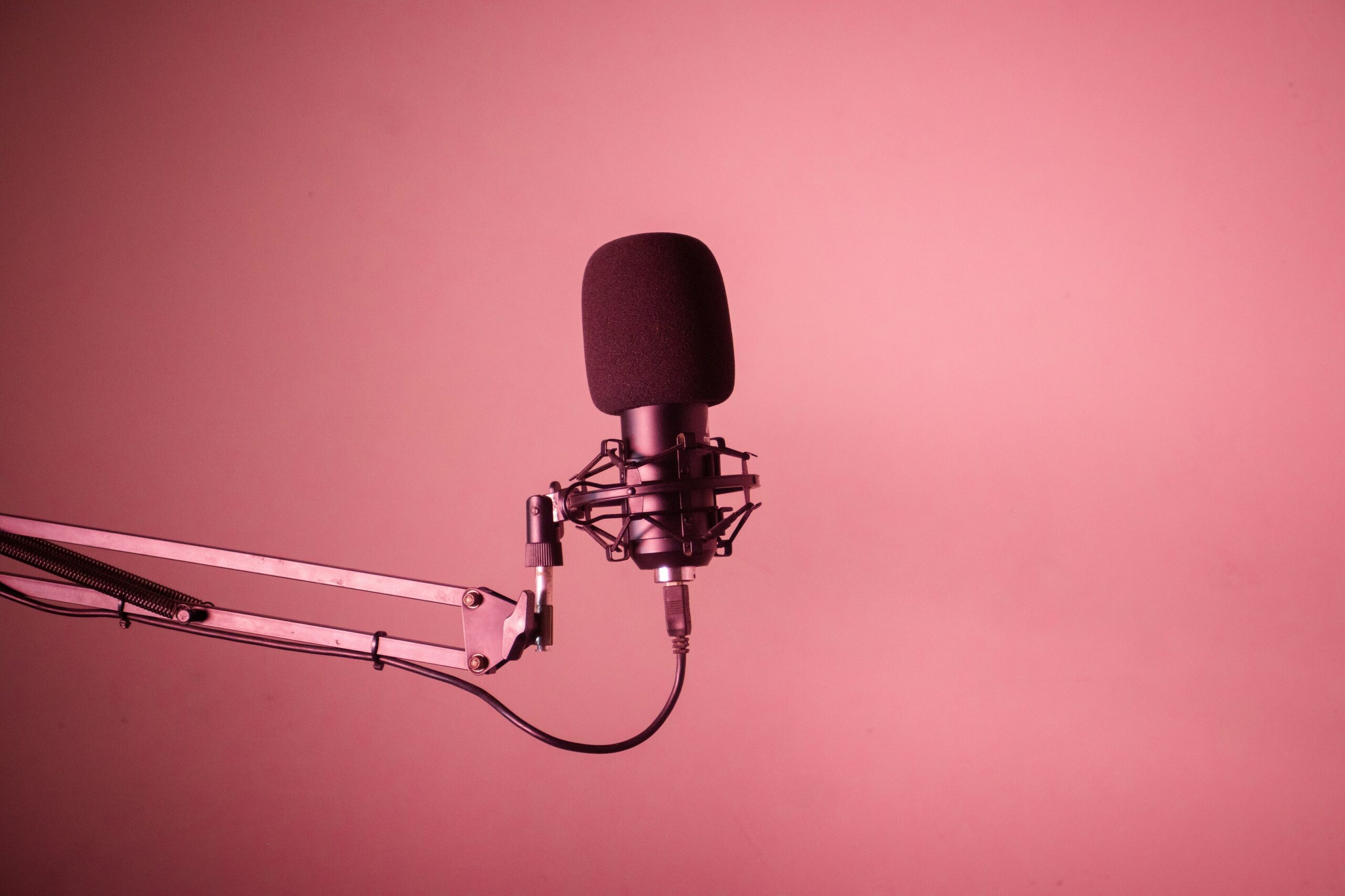
The sound that keeps viewers
Viewers will forgive an average picture, but rarely bad sound. A good, well-tuned mic changes everything.
What we fix: A well-placed dynamic or condenser mic, filters and levels.
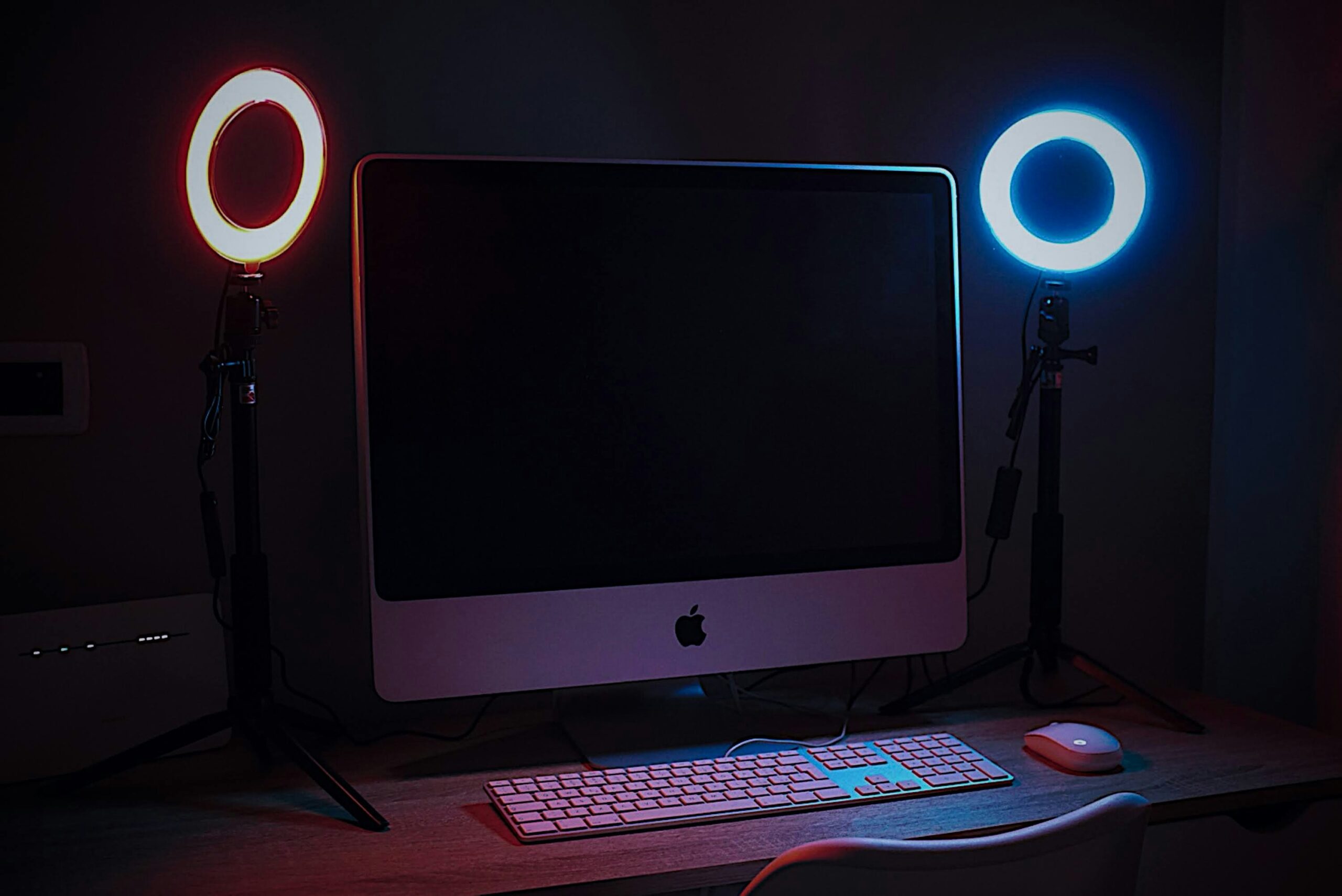
The ring light, placed properly
A poorly positioned ring light creates glare and shadows. Placed properly with a fill light, the picture looks professional.
What we fix: Key, fill and background lighting.
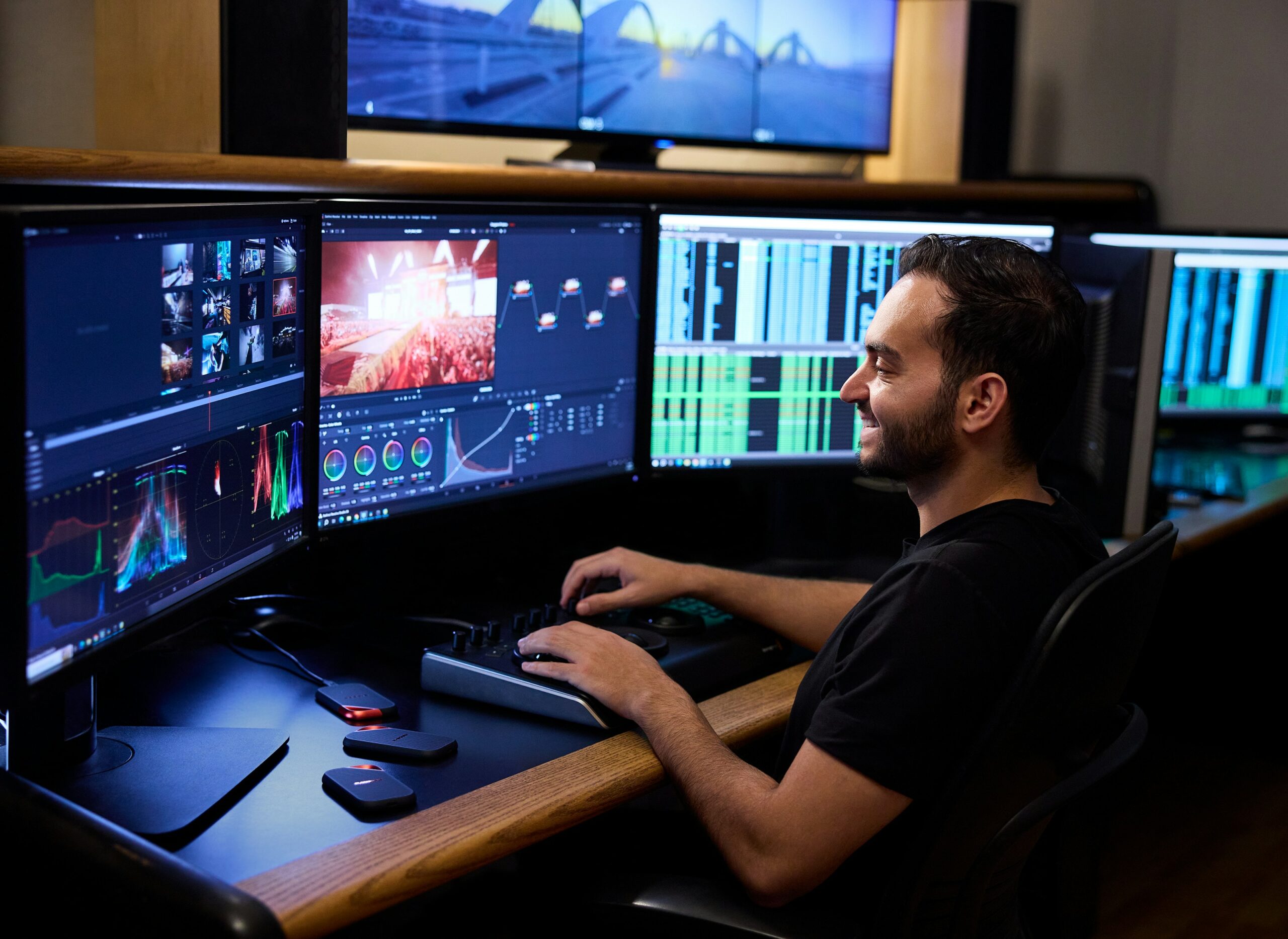
Scenes worthy of the big names
Starting screen, gameplay scene, break and end of stream, with transitions and alerts: the stream finally looks sharp.
What we fix: OBS scenes, overlays, alerts and shortcuts.
Pro or amateur?
Do these choices make your stream look more pro or more amateur?
OBS, bitrate, lighting: the basics
A studio built from A to Z
This streaming setup was installed, connected and fine-tuned by Évolution Continue.
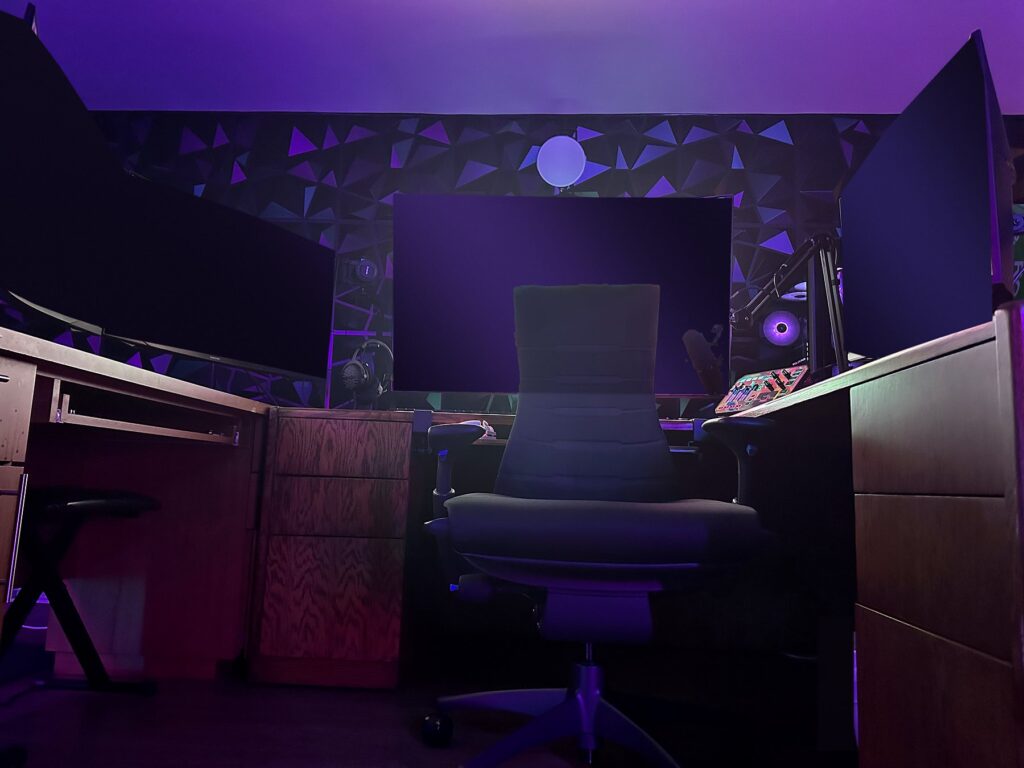
Four monitors, mic and audio console
Mic arm, audio console, acoustic panels and ambient lighting: everything installed, connected and fine-tuned.
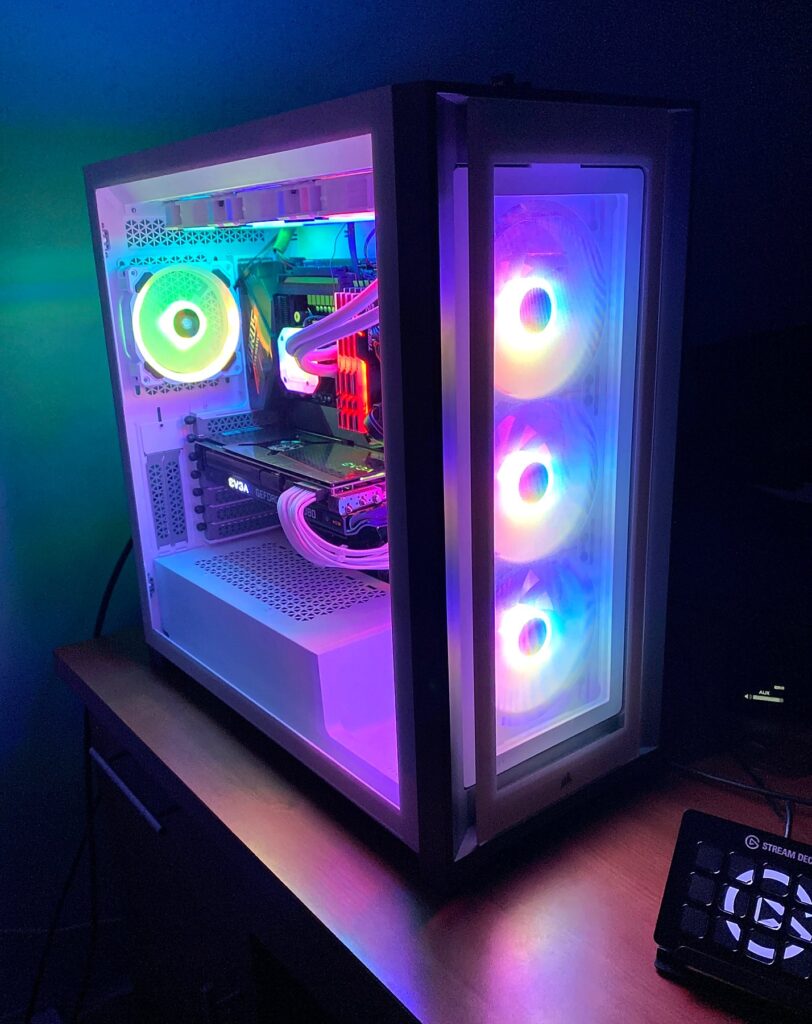
Gaming PC and Stream Deck
A powerful PC and a Stream Deck set up to switch scenes in one click during the stream.
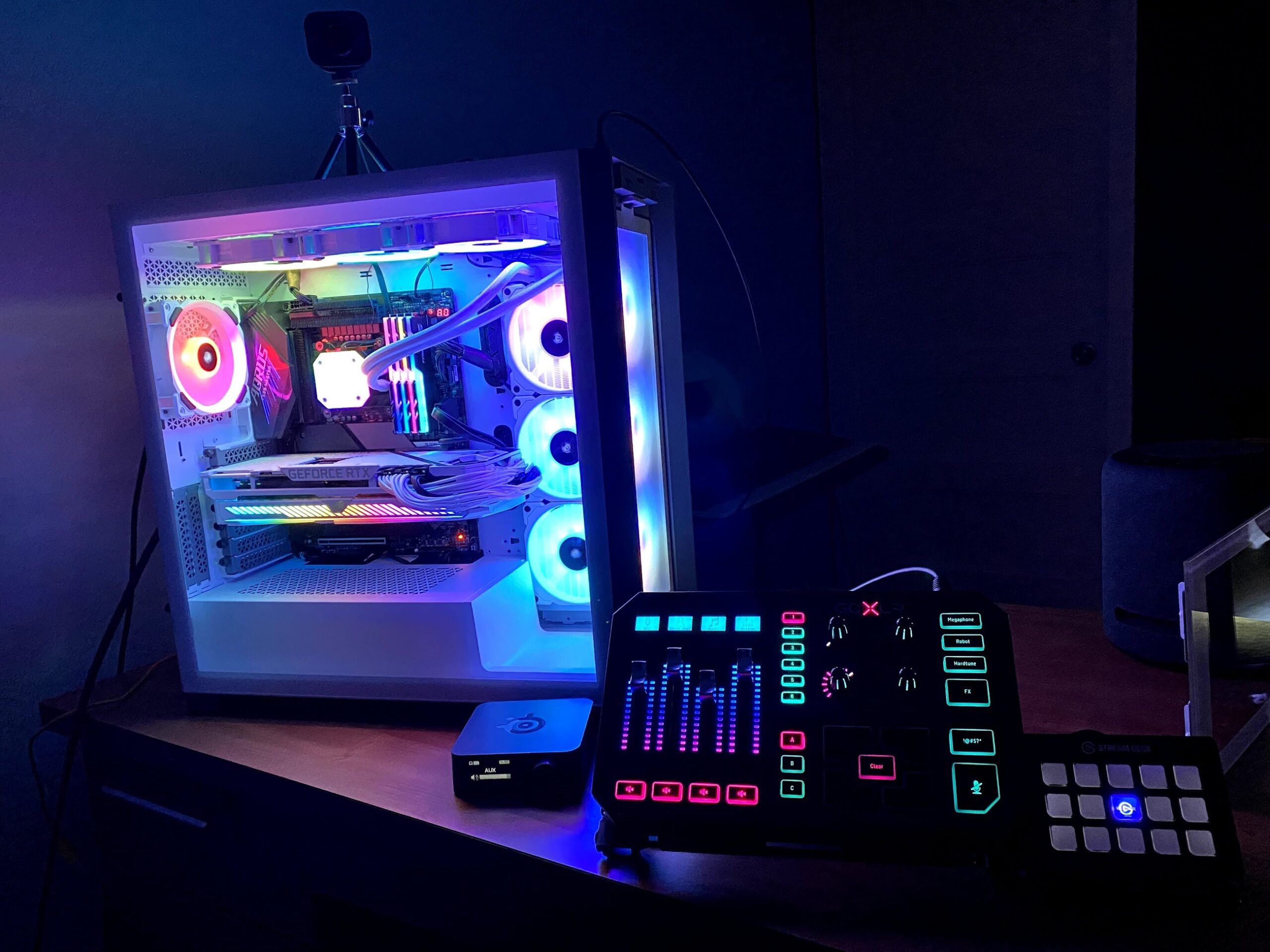
PC, audio mixer and control pad
The PC, audio mixer and programmable control pad are connected and set up, ready to go live.
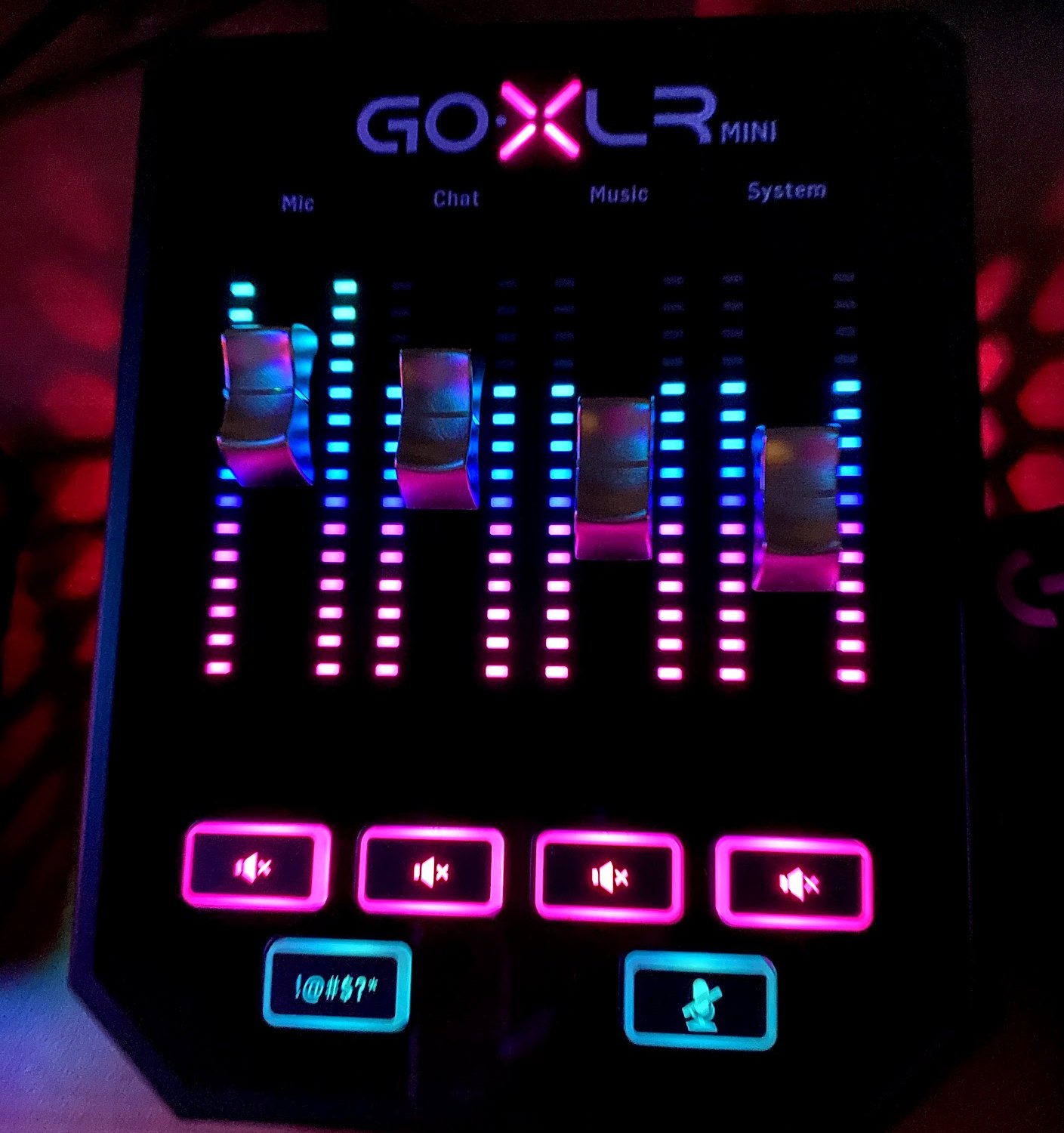
A fader for every source
Mic, chat, music and system: levels are adjusted at your fingertips while you stream.
What quality can your Internet handle?
Pick your upload speed (run a speed test to find it). We always keep a safety margin.
Your upload speed
Rule of thumb: keep the video bitrate under about 75% of your upload speed. Run the speed test on a cable: Wi-Fi can vary, so we always test on site.
From plan to first stream
Your project
Tell us about your content, your gear and your budget.
Setup plan
Recommended gear list and ideal layout.
Setup
Installation, connections and full configuration.
Test stream
A test stream to fine-tune picture and sound.
Before you go live
Do you need a very powerful computer to stream live?
Not necessarily. We adjust the encoding settings to your computer and connection to get the best possible quality.
Can you use my current gear?
Yes. We start from what you have and recommend only the additions that make a real difference.
Do you show me how to use the studio afterwards?
Yes: we explain how to switch scenes, manage sound and start your stream, so you can do it on your own.
Do you also do setups for video or podcast creation?
Yes. The same principles apply: lighting, sound and picture. We adapt the studio to your type of content.
Can you install a production console or a Stream Deck?
Yes: controllers, shortcuts, capture cards and consoles. We configure everything for easy control during the stream.
Plan your studio
Tell us about your content, your gear and your budget: we’ll design the studio with you.
Your current studio
Check what you already have.
Test your streamer instincts
4 quick questions. You see the right answer right away.