
Computers, explained simply
Computer, tablet or cell phone: we start from scratch, at your pace, with patience and no jargon.
There’s no such thing as a silly question
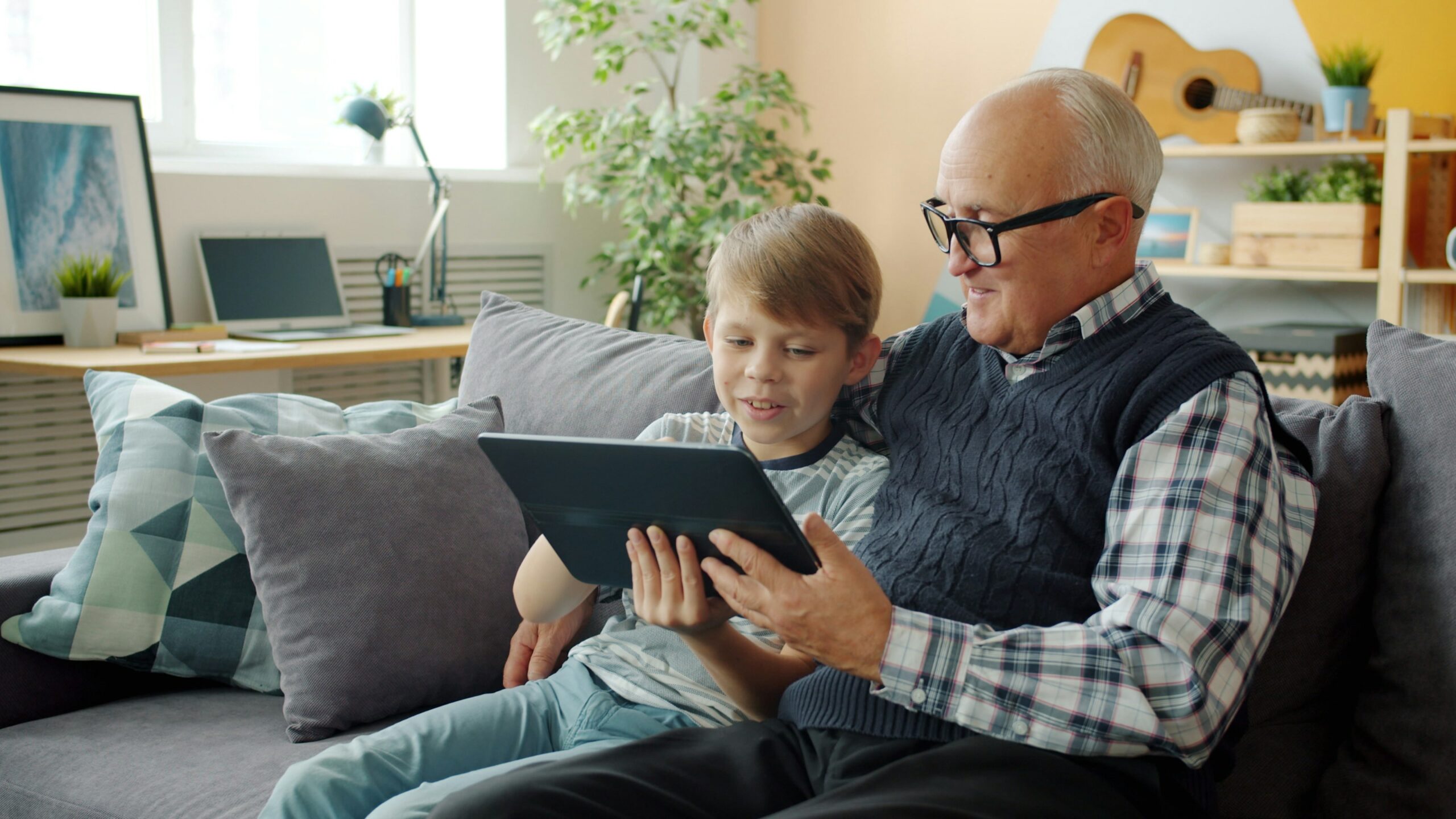
Did you get a tablet as a gift, do your grandchildren send you photos you don’t know how to open, or do you simply want to feel more at ease? This class is made for you.
We work on your own device, at home or online, and we only move on when you’re ready. You leave with a written quick-reference sheet to practise.
- Complete beginners of any age
- People who want to become more independent
- Caregivers who want to help a parent
Spot the scam before you click
Both of these messages are fake. Click the details right in the message that should raise a red flag.
- An unknown mobile number. A real organization doesn’t text you from an ordinary 10-digit number.
- A familiar name used as bait. Canada Post, Purolator or Amazon: scammers pick a name you trust.
- Urgency. Capital letters and a 24-hour deadline: they want you to act fast, without thinking.
- A tiny amount. The real goal isn’t the $1.99, it’s your credit card number.
- A fake link. The real site is canadapost-postescanada.ca. When in doubt, open the official app or type the address yourself.
Dear taxpayer,
You are eligible for a tax refund. To receive it by Interac e-Transfer, confirm your banking information before 6 p.m. today.
Claim my refund- The sender’s address. The display name says “Revenue Agency”, but the real address has nothing to do with the government (canada.ca).
- Unexpected money + “final notice”. Bait and pressure in the same sentence.
- A generic greeting. Your real name appears nowhere.
- They ask for your banking information. The CRA never asks for banking details by email and doesn’t send refunds by Interac e-Transfer.
- A very short deadline. Urgency again, to stop you from checking.
- The button. It leads to a copy of the site that steals your logins. On a computer, hover over a link (without clicking) to see its real address.
What you’ll learn
The basics
Turning on, navigating, opening an app and finding your way without stress.
Email and photos
Writing an email, attaching a photo and organizing your memories.
Video calls
Talking to your loved ones with FaceTime, Messenger, WhatsApp or Teams.
Avoiding scams
Recognizing fake messages and fraudulent calls.
True or false?
A little game to test your basic knowledge. No pressure!
Small questions, reassuring answers
What you’ll be able to do

Seeing her grandchildren every week
A grandmother wanted to see her family who live far away. After two classes, she starts her video calls all by herself.
What we learn: Starting a video call, adjusting the sound and the camera.
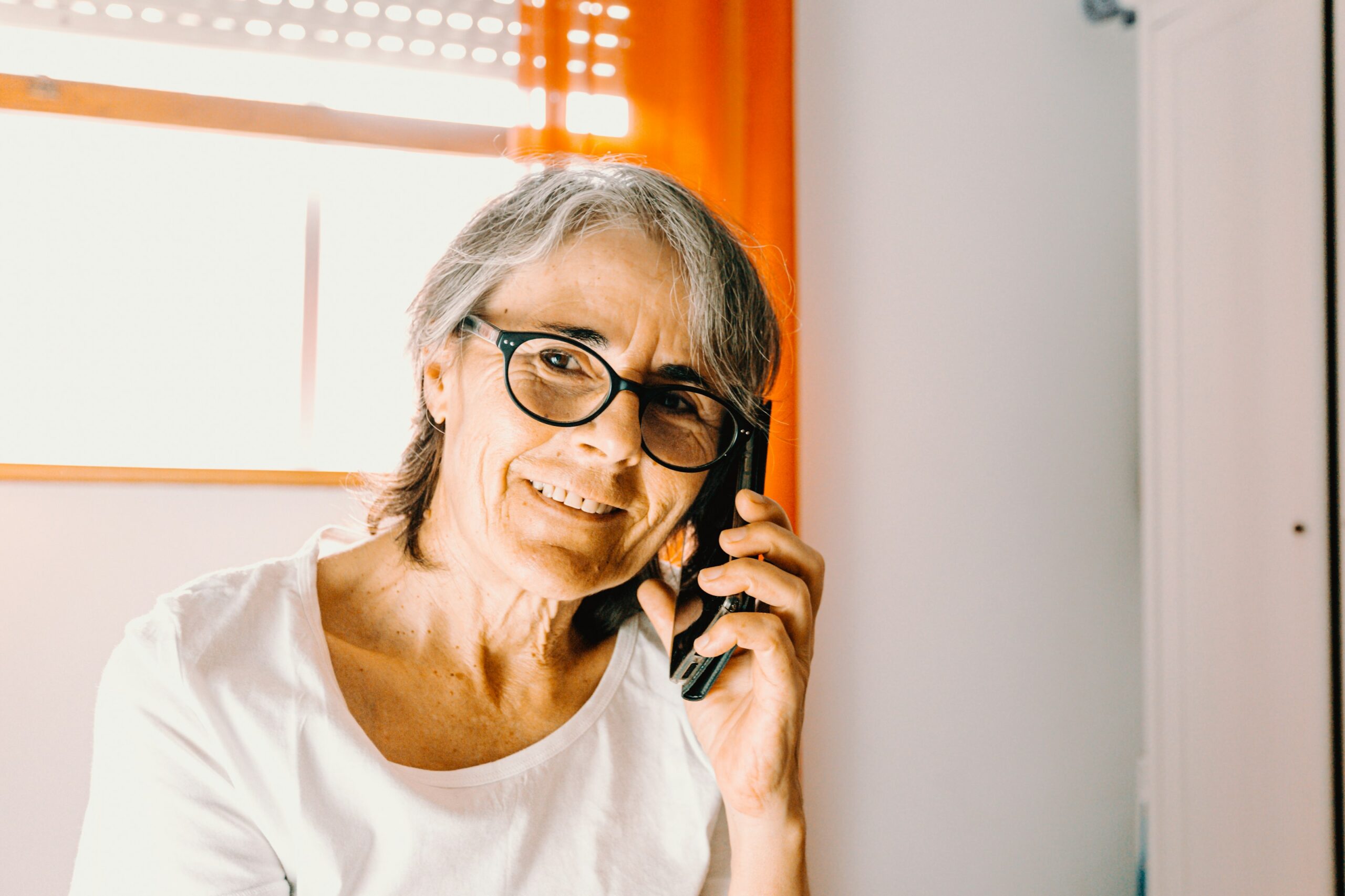
The phone that’s no longer scary
A new smartphone is intimidating. We learn the basic gestures, messages and photos.
What we learn: Texting, taking and sending photos, making the text bigger.

Managing email without stress
A retiree was getting dozens of emails without knowing what to do. Now he sorts, replies and spots scams.
What we learn: Reading, replying, attaching a file and recognizing a fake message.
Where do your photos go once you take them?
Your phone isn’t the only place they live. Pick a situation and follow the path.
Pick a situation above, then press “Play”. You can also click each item to learn what it does.
- Click! The photo is saved on the phone.
- As soon as you’re on Wi-Fi, a copy goes to the cloud (if syncing is turned on).
- The copy is stored safely in your account.
- A few seconds later, the photo also shows up on your tablet or computer.
- The phone is lost… but not necessarily your photos.
- If syncing was on, every copy is still in the cloud.
- On a new device, sign in to the same account: everything comes back. Without the cloud or a backup, they’d be gone for good.
- The free space is full (5 GB at Apple, 15 GB shared at Google).
- Syncing quietly stops: new photos stay only on the phone.
- The fix: clean up, move photos to the computer or buy a bit of storage. We show you how in class.
- You pick the photo in Messages, Messenger or WhatsApp.
- It travels over the Internet (or your mobile data).
- Grandma gets her own copy, which she can keep, print or share in turn.
The photo is first saved in the phone’s memory. If the phone breaks or gets lost, that copy goes with it.
Wi-Fi carries your photos to the Internet without using your mobile data plan.
The “cloud” is a set of secure computers at Apple, Google or Microsoft that keep a copy of your photos, tied to your account.
Your other devices, signed in to the same account, show the same photos automatically.
When you send a photo, the other person gets their own copy. They keep it even if you delete yours.
From first message to first class
Write to us
Tell us what you want to learn.
Custom plan
We prepare a class suited to your level.
Let’s learn!
Private class at home or online.
We practise
Quick-reference sheet and follow-up to remember it well.
How long would your password hold up?
Type a password similar to the ones you use. Everything is calculated in your browser: nothing is sent or saved.
- At least 14 characters (a sentence is even better)
- Upper and lower case
- Numbers
- Symbols or hyphens
- Not a well-known password (sunshine123, password…)
Estimate for a hacker’s computer trying 10 billion combinations per second.
Your questions, answered simply
I know nothing about this. Is it too complicated for me?
No. The class truly starts from scratch and we move at your pace. We can repeat as many times as needed.
Do I need my own device?
It’s ideal, since you learn on the device you use every day: computer, tablet or cell phone.
Where are the classes given?
At your home in Granby and the surrounding region, or online, whichever suits you best.
How many classes do I need?
It depends on your goals. Often, two or three classes are enough to get comfortable with the basics.
Can a family member attend the class?
Of course! It’s even a good idea: they can help you practise between classes.
Book your first class
Tell us which device you want to learn on: we’ll get back to you quickly with a simple plan.
What do you already know?
Check what you know how to do. It helps us prepare your class.
A quick quiz, zero pressure
4 quick questions. You see the right answer right away.