
Remote work: secure your home office
At home, there’s no IT department down the hall. A few good habits are all it takes to protect your data, your employer’s and your customers’.
Your home office deserves the same protection as the one at work.
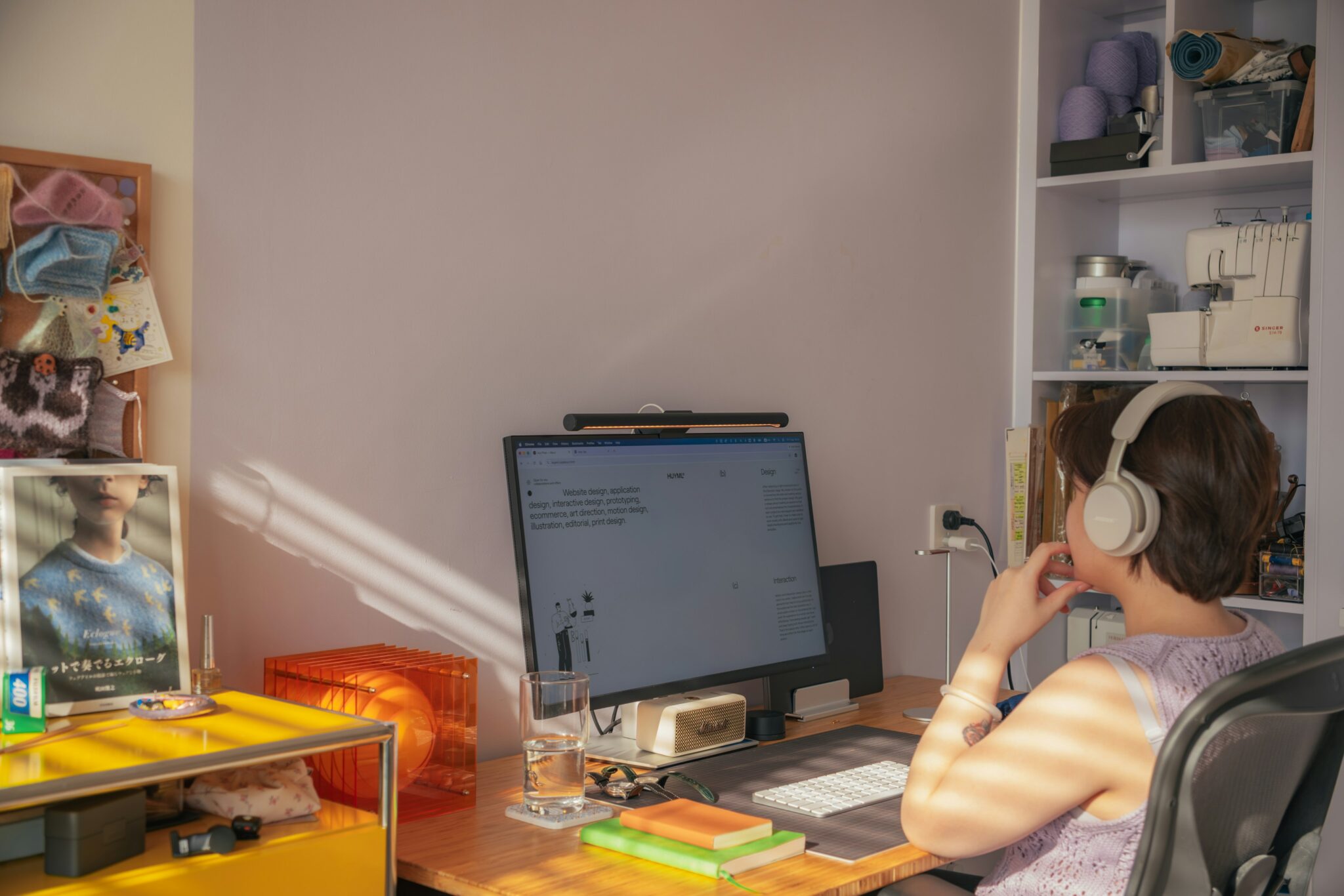
Why home is a target
At the office, someone takes care of the firewall, updates and backups. At home, the work computer often shares the same Wi-Fi as game consoles, the kids’ phones and the smart doorbell. Fraudsters know it: they target remote workers with fake emails “from IT”, fake login requests and calls from impostors.
The good news: most incidents can be avoided with simple habits that don’t require any technical skills.
8 habits for a secure home office
- 1. Turn on multi-factor authentication everywhere. Email, Microsoft 365 or Google Workspace, VPN, business software. Even if your password is stolen, the fraudster stays locked out. Choose an authenticator app over text message codes.
- 2. Install updates right away. Windows or macOS, browser, software and router firmware. Most attacks exploit flaws that have already been fixed.
- 3. Keep work and personal life separate. Your work computer is for work: no games, no downloads, no use by the kids. And your work documents don’t go in your personal cloud.
- 4. Secure your home Wi-Fi. Change the router’s admin password, use WPA3 or WPA2-AES and put smart devices on a guest network.
- 5. Use the VPN or access provided by your employer. Especially on public networks (café, hotel, airport). Your cellphone’s hotspot is safer than public Wi-Fi.
- 6. Lock your screen. Windows key + L (or Control + Command + Q on a Mac) every time you step away, plus an automatic lock after a few minutes.
- 7. Save your files in the right place. In the location provided by your employer (OneDrive, SharePoint, server), never only on your computer’s desktop. See the 3-2-1 backup rule.
- 8. Report anything unusual right away. A click on a suspicious link, a strange screen, a lost device: alert your manager or IT support immediately. A few minutes often make all the difference.

Confidential documents and calls
Working from home doesn’t change a business’s obligations: customers’ and employees’ personal information is still protected by Quebec’s Law 25, even on the kitchen table.
- Position your screen so it can’t be seen from a window or by other family members. A privacy filter helps in public places.
- Lock away or shred paper documents containing personal information: they don’t go in the recycling bin as is.
- For confidential calls, close the door and keep voice assistants away.
- Never print work documents on a neighbour’s, café’s or library’s device.
For employers: a short remote work policy (approved devices, VPN, backups, what to do in case of an incident) and employee training prevent most unpleasant surprises.
Does your setup pass the test?
Check what’s true for you, honestly. Nothing is saved: everything stays in your browser.
Quiz: true or false?
Five common remote work situations. Do you have the right reflexes?
Frequently asked questions
My employer doesn’t provide a computer. Can I use my own?
It’s possible, with precautions: a user account reserved for work, up-to-date antivirus, multi-factor authentication and automatic updates. Ideally, your employer sets out the rules in a remote work policy.
Does a personal VPN replace my employer’s?
No. A personal VPN protects your connection on a public network, but it doesn’t give access to the company’s systems and doesn’t replace your employer’s rules. Use the access they provide.
Can you set up and secure my home office?
Yes. We install your complete home office (monitors, camera, microphone, printer) and secure it: router, updates, backups. For businesses, we also take care of your employees’ computers with remote IT management.
We set up and secure your home office
Complete home setup, network security, updates and backups, or remote management of your employees’ computers. It all starts with opening a file and a fixed-rate initial assessment, based on the size of your IT environment.
Could you spot the scam?
5 quick questions. You see the right answer right away.