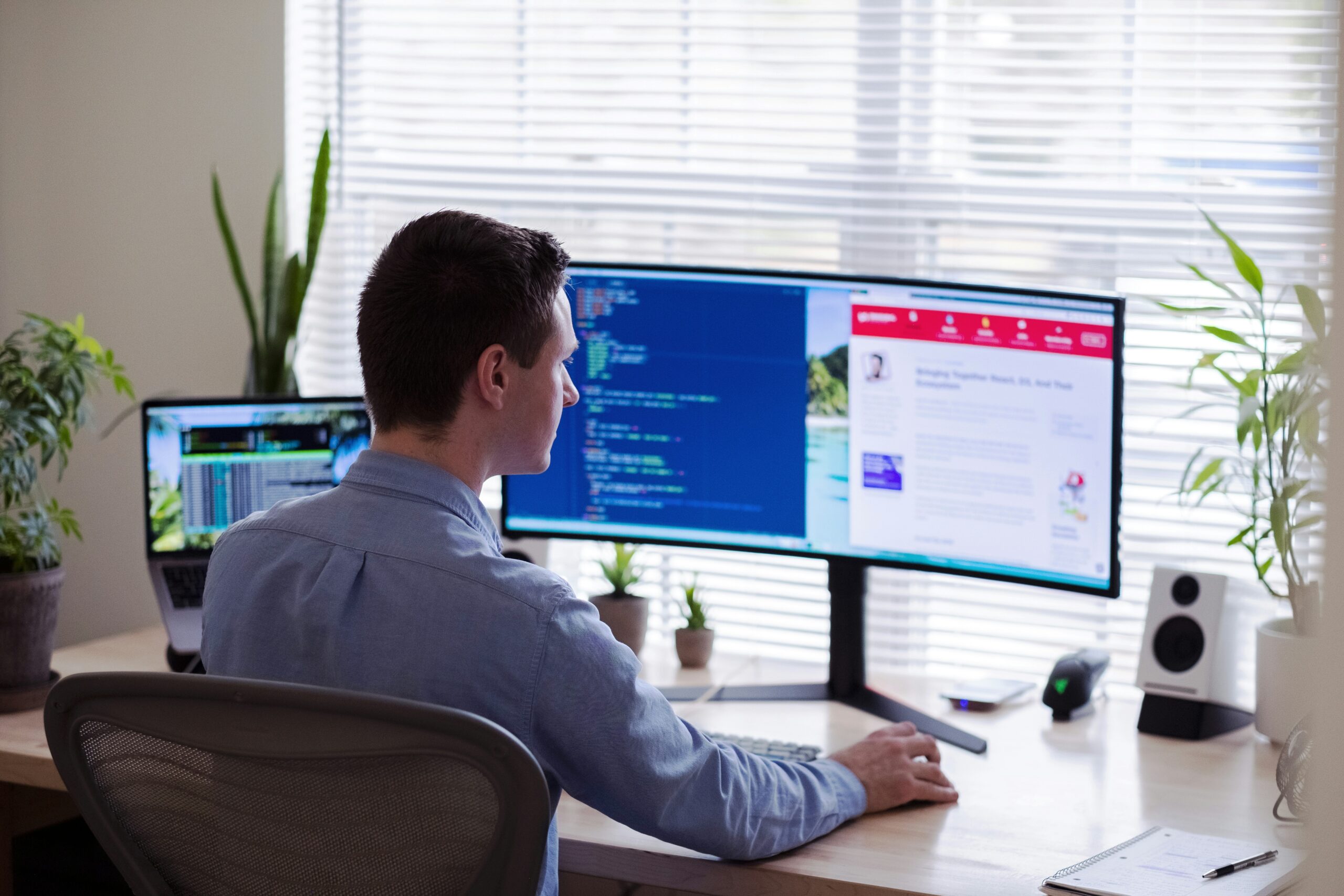
We handle your IT, you handle your business
Updates, monitoring, accounts and licences: your IT is maintained continuously, without you having to think about it.
Your IT department, without hiring one
Most SMBs can’t afford a full-time technician. Yet out-of-date workstations and poorly managed accounts are hackers’ favourite way in.
With remote IT management, we take care of the routine maintenance of your workstations and accounts, and step in quickly when something goes wrong.
- Businesses with 2 to 30 workstations
- Offices without an in-house technician
- Organizations that use Microsoft 365

Everything that runs in the background
Updates
Windows, software and antivirus kept up to date to close security holes.
Monitoring
We keep an eye on the health of your workstations and on important alerts.
Onboarding and offboarding
Creating and closing accounts, licences and access, from A to Z.
Accounts and access
Permissions adjusted, MFA turned on and access removed when needed.
A remote session done safely, step by step
Here’s how we take control of a workstation safely… and how a scammer imitates the same thing. Compare the two.
Pick a version above and press “Play”. Same tool, two realities: the difference is who asks, who authorizes and what record is left.
- You write or call us (or it’s the monthly maintenance, scheduled with you). We never take control of a workstation out of the blue.
- The tool installed with your consent checks that the connection is authorized, for that specific workstation.
- The connection is encrypted end to end.
- We fix the problem. If you’re at the screen, you see everything and can stop it anytime.
- The work is logged: date, workstation, what was done.
- The session closes: access is cut off.
- HE contacts you: a call “from Microsoft” or a fake on-screen alert, “your computer is sending viruses”.
- He has you download remote-access software on the spot and reads you the access code.
- He opens Windows logs full of normal warnings and claims they’re viruses.
- No record, no proper invoice: he demands payment by gift card, cryptocurrency or transfer.
- He often leaves access open to come back. The right move: hang up, unplug the Internet and call your IT provider.
Every intervention starts with a request from you or maintenance scheduled with you.
A secure remote-access tool, installed with your consent, controls who can connect and to which workstation.
Traffic between the workstation and the technician is encrypted: no one can read or alter it along the way.
Updates, settings, troubleshooting: you can see what’s happening on screen.
Every session leaves a trace: who, when, which workstation, what. You can ask for the history anytime.
The session closes and access is cut off until the next authorized intervention.
Situations that are all too common

The workstation forgotten for 8 months
A reception computer hadn’t received updates in months. A known security hole, fixed long ago, was still wide open.
Best practice: Updates managed and verified every month, on every workstation.

Ready to work from the very first hour
The new employee arrives: account, email, licences, folder access and printer are already set up. No half-day lost.
Best practice: A standard onboarding checklist, applied to every hire.
The former employee who still had access
Three months after leaving, a former employee could still open the company’s emails and shared files.
Best practice: Close all access on the day of departure, no exceptions.
Urgent or can it wait?
Sort each situation by how quickly you need to act.
Updates and access: the facts
From inventory to report
Inventory
We review your workstations, accounts and software.
Upgrade
We fix what’s urgent and secure the foundation.
Ongoing management
Maintenance, updates and remote monitoring.
Report
A clear summary of what was done and what’s coming up.
An employee leaves today: we close everything, in order
A forgotten account is a door left open. Check each step and watch the access close.
Your questions about remote management
Do we need to install anything on our computers?
A secure remote-control tool is installed, with your consent. You stay in control and every access is made with your authorization.
What if we need someone on site?
For Granby and the surrounding region, an on-site visit is possible when the situation requires it.
Do you handle employee onboarding and offboarding?
Yes: creating accounts, groups, Microsoft 365 and other licences, setting up the workstation, then fully closing access when they leave.
Is my data safe with remote access?
Yes. The tools used are encrypted and every connection is made with your authorization. You can ask for a log of all our work at any time.
Can we start with just a few workstations?
Of course. We can start small, then add workstations as your needs grow.
What if we’d rather manage everything ourselves?
No problem. If you’re comfortable handling it all yourself, we’ll give you training to guide you and teach you the basics, so you can run your service on your own. And if you ever need a hand, we’re still here.
Hand us your IT: initial assessment
Tell us how many workstations and employees you have: we open your file with a fixed-rate initial assessment, based on the size of your IT environment.
Where does your IT stand?
Check what is in place in your business.
Do you have the right IT reflexes?
4 quick questions. You see the right answer right away.