A solid network, properly partitioned
From needs to configuration: a fast, reliable, segmented network so that your customers, your employees and your equipment don’t share the same door.
VLANs, cameras, WPA3: in plain terms
Everything on the same network? Big risk
In many SMBs, the customer Wi-Fi, the accounting computers, the cameras and the printer are all on the same network. A single compromised device can then reach everything else.
Segmentation separates these groups into distinct zones. The result: a network that is more secure, more stable and easier to manage.
- Shops with Wi-Fi for customers
- Offices that are expanding or moving
- Businesses with cameras and connected devices
Which network?
For each device, choose where it should be connected.
What we put in place
Needs analysis
Number of users, Wi-Fi coverage, equipment and expected growth.
Installation
Router, firewall, switches and Wi-Fi access points configured properly.
Segmentation
Separate networks for employees, guests, cameras and equipment.
Documentation
Network map and access handed over, so you’re never caught off guard.
A network designed for your business
We split your network into zones (VLANs) tailored to your business. If a device is compromised, the problem stays in its zone.
Example for a typical shop.
An incident stays contained
Firewall between zonesCustomers get Internet, not your files
Isolated guest Wi-Fi · WPA3Cameras are no longer a way in
Isolated connected devicesYou know what you have
Network map and documentationNetworks we often see

Customer Wi-Fi connected to the cash register
In a café, the Wi-Fi offered to customers was the same as the one for the cash register and the office. Any customer could see the internal devices.
Best practice: A separate guest network, isolated from the business network.
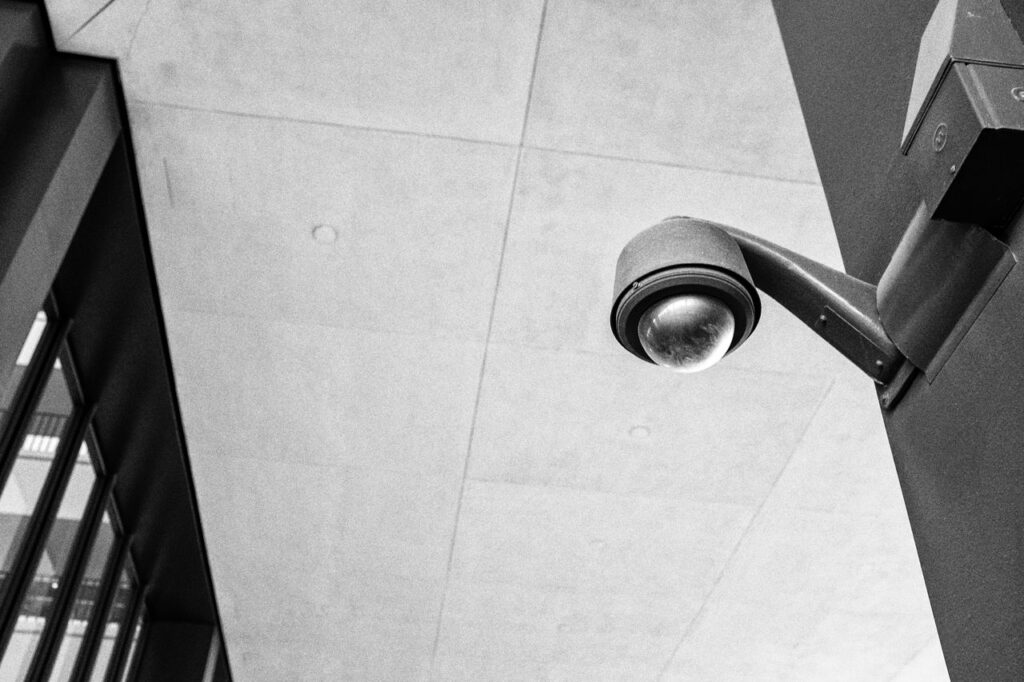
The camera with the factory password
A security camera was still using the default password. These devices are among hackers’ favourite targets.
Best practice: Change factory passwords and isolate cameras on their own network.
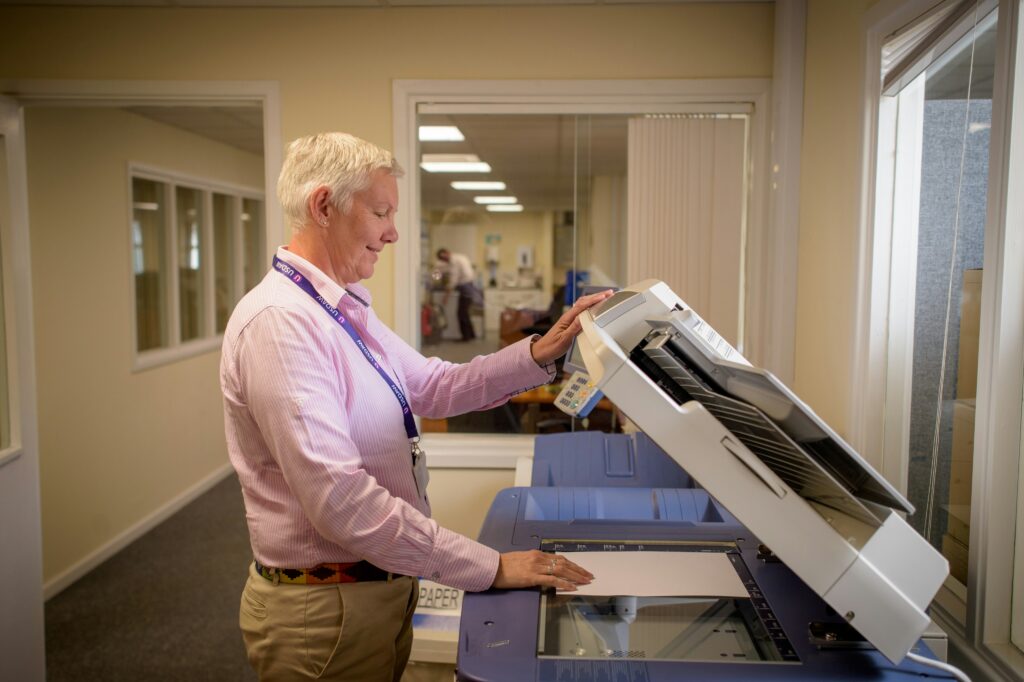
The printer open to everyone
A network printer accepted connections from any device, even visitors’ devices.
Best practice: Put printers on the internal network only, with controlled access.
Who is allowed to talk to whom?
The firewall enforces rules between the zones of your network. Pick a device, then a destination: the rule applies live.
From site visit to handover
Site visit
We assess your premises, your equipment and your needs.
Plan
A clear proposal, with the recommended hardware.
Installation
Configuration and testing, with minimal disruption.
Handover
Documentation and explanations for your team.
How well do you know your network?
Is your network well protected?
Check what applies to your network.
4 quick questions. You see the right answer right away.
Your network, your questions
Can you work with our current equipment?
Often, yes. We first assess what you already have and recommend replacing only what is truly necessary.
What is a guest network?
It’s a separate Wi-Fi for your customers and visitors. They get Internet access, but never access to your computers or files.
Will the installation stop our operations?
We plan the work to keep disruptions to a minimum, outside the busiest hours if needed.
Does segmentation require a lot of equipment?
Not necessarily. Many recent routers and switches already support it. We first check what you have.
Do you do the cabling?
For major cabling work, we work with partners. We take care of the configuration and security.
A network to plan? Initial assessment
Describe your premises and equipment: we open your file with a fixed-rate initial assessment, based on the size of your IT environment.