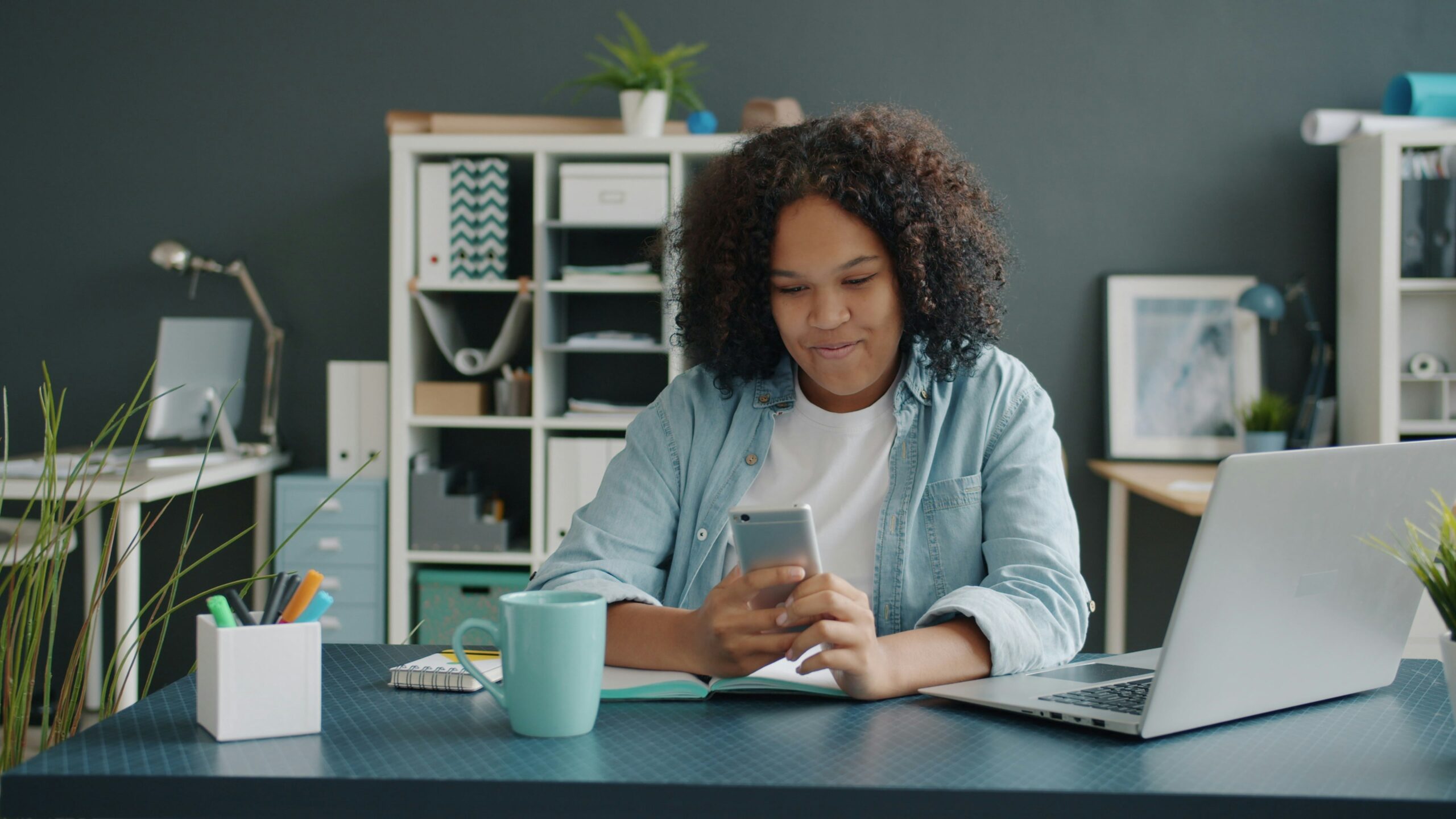
Flying solo? Your accounts are your business.
Email, banking, social media, client files: one hacked account, and everything stops. We lock down your accounts and devices with you, and we show you how to use them day to day.
When you work alone, no one takes over.
In a large company, a hacked account disrupts a team. For you, it stops everything: no colleague to carry on the work, no IT department to call. We become that department.
We put the protections in place with you, on your computer and on your phone, and we teach you how to use them. Our goal: make security a reflex, not a chore. After that, we don’t leave you on your own: remote support, updates and cybersecurity, as needed or every month.
- For the one-person business
- On site in Granby and the surrounding area, or remotely anywhere in Québec
- Everything is in your name: you keep your access
- We show you each tool until you’re comfortable
Nearly one in six people in Canada report having been the victim of a social media account hack. Source: Get Cyber Safe, Government of Canada.
One account falls, and the rest follow
What falls first?
The reused password
The same password is used elsewhere. A website has its data stolen, and someone tries it on your email.
They read your messages, your invoices and your clients’ files.
All your other accounts
With “forgot password”, they change the ones for your bank, social media and government services: the links land in your email.
Your clients
They receive fake invoices, sent from your real address.
What stops the fallA different password for each account, kept in a password manager, and two-factor authentication: even with the right password, the fraudster stays locked out.
The fake message
“Your page will be deleted in 24 hours.” The link leads to a fake login page.
The page
The fraudster changes the password and removes you from your own page.
Your followers
They post fake offers and write to your clients in your name.
Your income
No page, no inquiries. Getting it back can take time, and it isn’t always possible.
What stops the fallTwo-factor authentication on the page, and a plan written ahead of time: what to do, in what order, from the first minute.
The laptop
Left behind at the café, or stolen from the car during a visit to a client.
The drive
Without encryption, everything on it can be read, without even knowing your password.
Your clients’ files
Contracts, invoices, contact details: it’s a confidentiality incident, to be entered in your register.
Your work
Without a backup, months of work leave with the device.
What stops the fallEncryption makes the drive unreadable, and 3-2-1 backups get you back to work on another device.
The phone
Lost, stolen or broken, often at the worst possible time.
Your codes
Your two-factor codes were on it: now you’re locked out of your own accounts.
Your accounts
Bank, email, government services: each recovery takes time and proof of identity.
Your week
Meanwhile, your clients are waiting.
What stops the fallA locked, encrypted phone, backup codes kept in a safe place and a second sign-in method, planned ahead.
Six locks, installed with you
The password manager
A different password for each account, without having to remember them. We install it on your computer and on your phone, and we store your accounts in it with you.
You learn to create, find and share a password without ever writing it on a scrap of paper.
Two-factor authentication
Bank, email, social media, government services: we turn it on everywhere, one account at a time, and your backup codes are kept in a safe place.
You learn to approve a sign-in, recognize a request you didn’t make, and know what to do when you change phones.
3-2-1 backups
Three copies of your client files, on two different media, one of them outside your home. We set them up and do a recovery test with you.
You learn to check that the backup really ran and recover a file yourself.
Encryption
The laptop and the phone are encrypted: lost or stolen, they stay unreadable. The recovery key is kept in a safe place.
You learn to lock your screen in one move, at the café or at a client’s.
Personal and professional kept separate
A work user account separate from the family’s, and work accounts separate from your personal ones.
You learn to switch from one to the other without mixing anything up.
Your pages and your Google listing
We protect your social media pages and your Google listing, and we write with you the plan to follow if they get hacked.
You learn to recognize a fake message along the lines of “your page will be deleted”.
Solo Security: from $75/h, by the quarter hour or on your hour bank. The time estimate is confirmed before we start.
Would your business hold up?
Check off what’s already in place. Your result tells you where to start.
Three ideas worth a second look
Good habit, or open door?
Six habits of a self-employed worker. You make the call.

An incident gets written down. Sometimes, it gets reported.
When you work alone, the person responsible for protecting personal information is you. A stolen laptop or a hacked account that holds client information is a confidentiality incident.
- The register: every confidentiality incident is entered in a register, even the smallest one
- Serious risk: if there is a risk of serious injury, the Commission d’accès à l’information and the people concerned must be notified
- The laptop and the phone: encrypted, they keep your clients’ information safe, even lost or stolen
- The work user account: separate from the family’s, so no one else stumbles onto a client file
We explain your obligations and help you put the right tools in place. This is not legal advice, and we do not promise compliance.
From the first password to the last lock
We take stock
A short conversation: your accounts, your devices, what worries you. We start from there.
The passwords
We install the password manager and store your accounts in it with you, starting with email and banking.
The locks
Two-factor authentication everywhere, encryption on the laptop and the phone, and a separate work user account.
The backups and the plan
We set up the backups, do a recovery test together, then write the plan to follow if an account gets hacked.
And afterwards, we stay close
Remote support, updates and cybersecurity: by the hour, with an hour bank, or every month with Solo Watch.
We don’t leave you on your own
Security needs upkeep: a new account, a new device, a new scam. We remain your IT service and your cybersecurity, remotely, anywhere in Québec.
Remote support
A glitch, a doubt about an email? We connect to your computer and sort it out with you. $75 an hour, billed by the quarter hour.
Solo Watch
Updates, verified backups, monitored accounts: from $75 a month, no commitment. See Solo Watch →
AI at work
A properly configured AI assistant, and the golden rule of what you never give it: from $75/h. See the service →
Start like a pro
An email address in your name and a domain name protected against fake emails: from $75/h. See the service →
Hour banks: 5 h from $350, 10 h from $700. Evenings, weekends and emergencies: each hour counts as an hour and a half.
Before you write to us
How much does it cost?
Solo Security: from $75/h, billed by the quarter hour or drawn from your hour bank. The time depends on the number of accounts and devices to protect, and the estimate is confirmed before we start. Save with an hour bank.
My account was just hacked. What do I do?
Call us right away at 450 558-6719: it’s an emergency, handled first, at the emergency rate (each hour counts as an hour and a half). In the meantime, if you still have access, change your email password from another device.
Is a password manager safe?
Yes, far more than a notebook or the same password everywhere. Your passwords are encrypted in it, and a single master password, protected by two-factor authentication, gives access to them.
I already have an antivirus. Is that enough?
An antivirus protects the computer, not your online accounts. A stolen password or a fake message slips right past it.
What if I lose my phone?
We plan for it ahead of time: backup codes kept in a safe place and a second sign-in method. You get back into your accounts without starting over.
Do you monitor my accounts afterwards?
Yes, with Solo Watch, from $75 a month, no commitment: updates, verified backups, monitored accounts. Troubleshooting goes through the hour bank.
Do you come on site?
Yes, in Granby and the surrounding area. Elsewhere in Québec, everything is done remotely.
Do you guarantee that I comply with Law 25?
No, and no one should promise you that. We explain your obligations in plain language and put the right tools in place. For legal advice, you need to consult a legal professional.
We lock down your business with you
Solo Security: from $75/h. Not sure where to start? The Solo Checkup goes over your situation in one hour, from $75. And afterwards, we remain your IT service, remotely.
Hacked account? Emergencies at any time, handled first. The emergency rate applies (each hour counts as an hour and a half). Everything else: by appointment.
Your accounts, well locked?
4 quick questions. You see the right answer right away.